Category Archives: Key Programming

This category covers all key programming solutions for BMW, VAG, Mercedes, Toyota and other vehicles.

You will find step-by-step guides, tested tools, key learning procedures and professional locksmith solutions.

Includes OBD key programming, all keys lost (AKL), EEPROM and advanced IMMO solutions.

AUTEK IKEY820 Guide for Update and Active

1 What you need
1)Autek Ikey 820 device
2)PC with Win10/Win8/Win7/XP
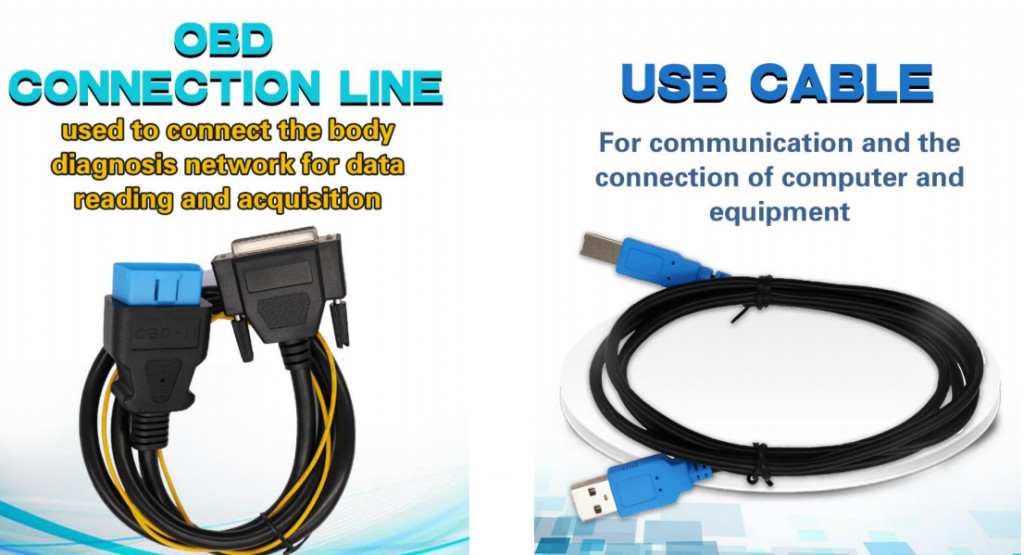
3)USB cable
2 Install update tool on your PC
If the update tool “Autek Ikey 820 Update Tool V1.2” is already installed on your PC before, just skip this chapter. If not, you need to install it. If you do not have the setup file, please ask your distributor for it.


The Update Tool short icon
setup file of the update tool

Double click the setup file to start installing the update tool
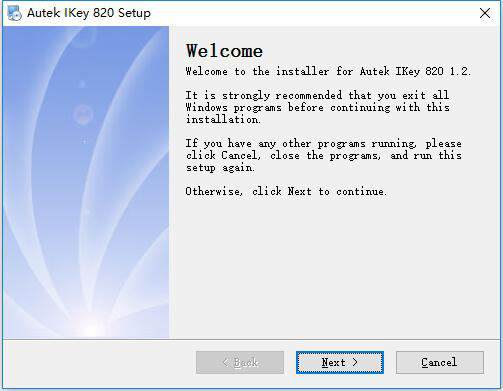
update tool setup start window

Click ‘Next’ until the finish window, and click finish button to end the install program. There will be a shortcut icon on the desktop
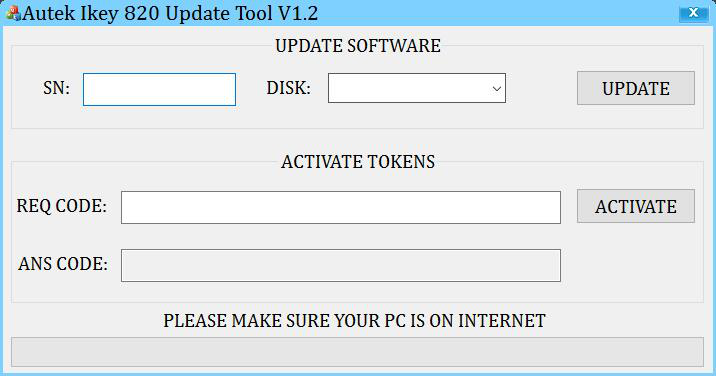
Autek Ikey 820 Update Tool contains three parts including UPDATE, ACTIVATE and MESSAGE from top to bottom.
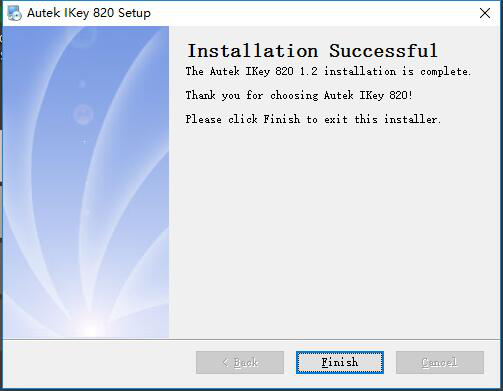
update tool setup finish window
Autek Ikey 820 Update Tool window

3 Update
Take the following steps to update Autek Ikey 820 device:
1)Connect device to PC through USB cable;
2)Open Autek Ikey 820 Update Tool in your PC that needs to be on internet;
3)Select the device in list and input the SN (usually completed automatically);
4)Click UPDATE button to start updating, wait until the updating completed.
There is something you need to notice in each step.
1)The device should display “USB SD DISK MODE” when connected to PC through USB cable, if not, please unplug the USB cable and plug again. Do not unplug the USB cable or exit from USB SD DISK MODE.
2)If Autek Ikey 820 Update Tool is not installed, please install it first, see detail in chapter 2.
3)The DISK and SN should display automatically if the device is connected to PC. If the DISK has no device to select, please unplug the USB cable and plug again. If the DISK has been selected, but SN is empty, please unplug the USB cable and plug again. If it’s still the same, please input SN yourself. The SN should start with “A-”.
4)It may take several minutes to update, it depends on the speed of your internet.
If there is any problem, it will display on message area, check according to the message and try again.
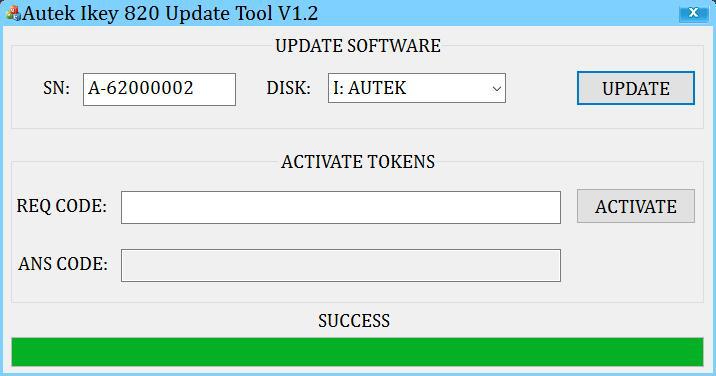
Here are the pages for updating. The SN is just an example, you should use your own SN.
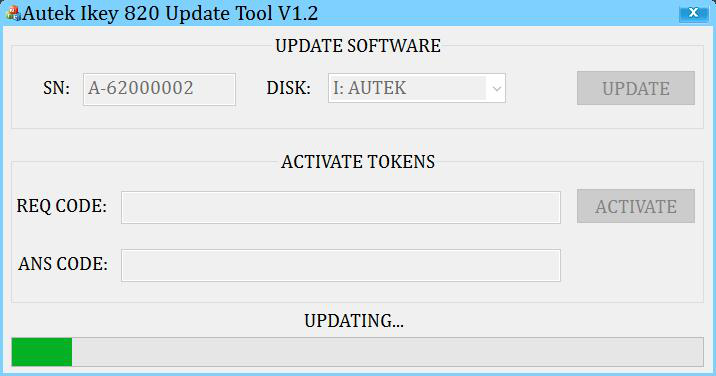
wait until update successfully
Update successfully

4 Activate
Activation means add tokens to your device. If your device runs out of tokens or you want to increase the number of tokens in your device, you can use Autek Ikey 820 Update Tool to increase tokens.
Take the following steps to activate Autek Ikey 820 device:
1)Supply power to the Autek Ikey 820 device through USB/12V DC adapter/OBD.
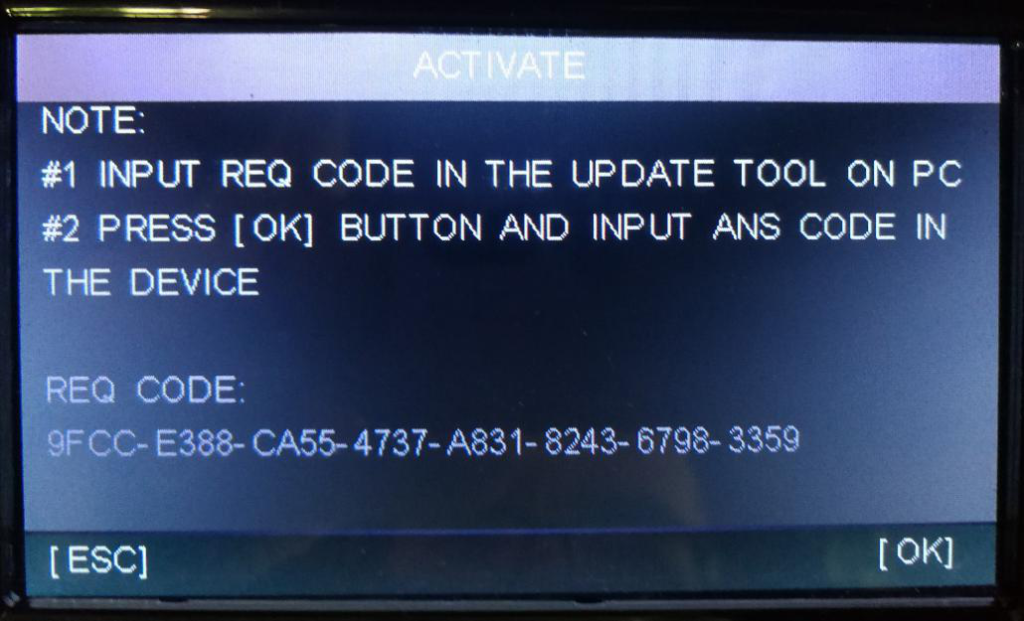
2)Go to the ACTIVATE menu, you will see a page with steps to activate your device and the REQ CODE which is need in Autek Ikey 820 Update Tool to get the ANS CODE.
3)Open Autek Ikey 820 Update Tool in your PC.
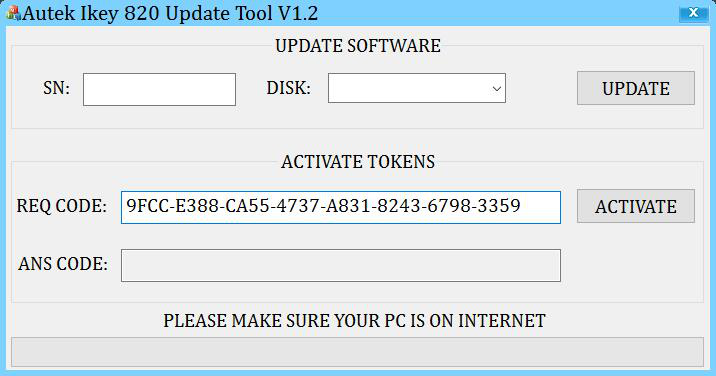
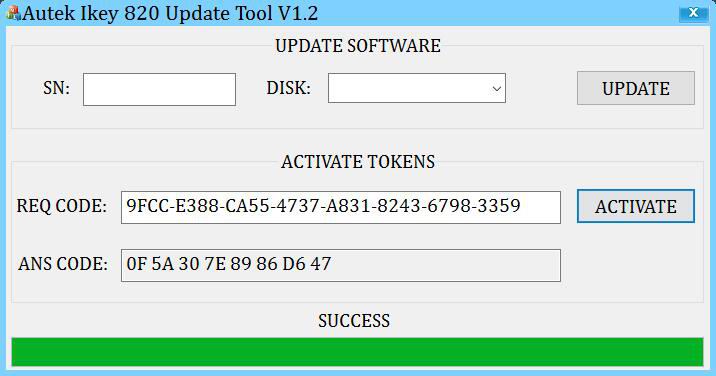
4)Input the REQ CODE to the Autek Ikey 820 Update Tool and click ACTIVATE button, then you will get the ANS CODE
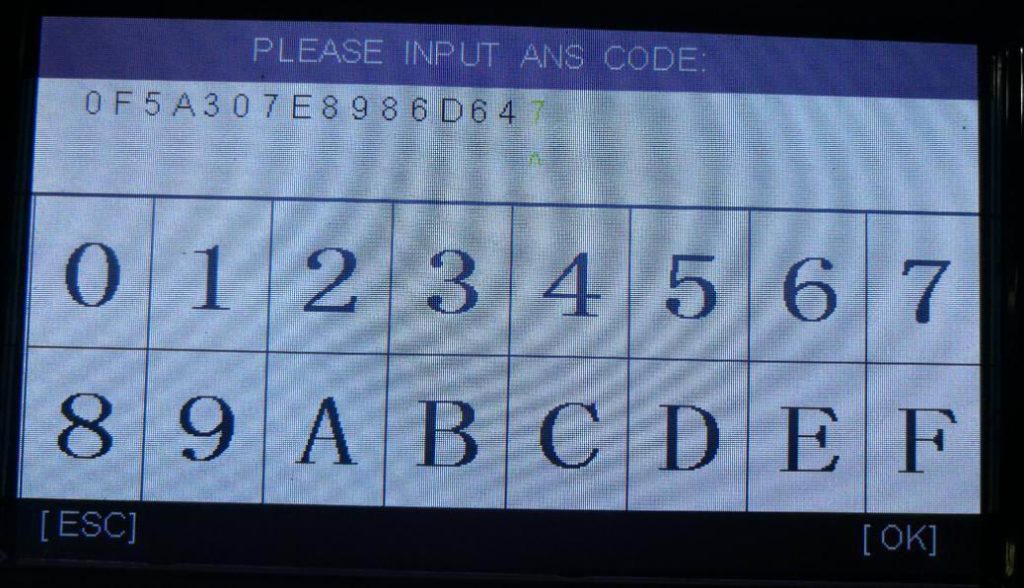
5)Press OK button on the device and there display the page to input ANS CODE.
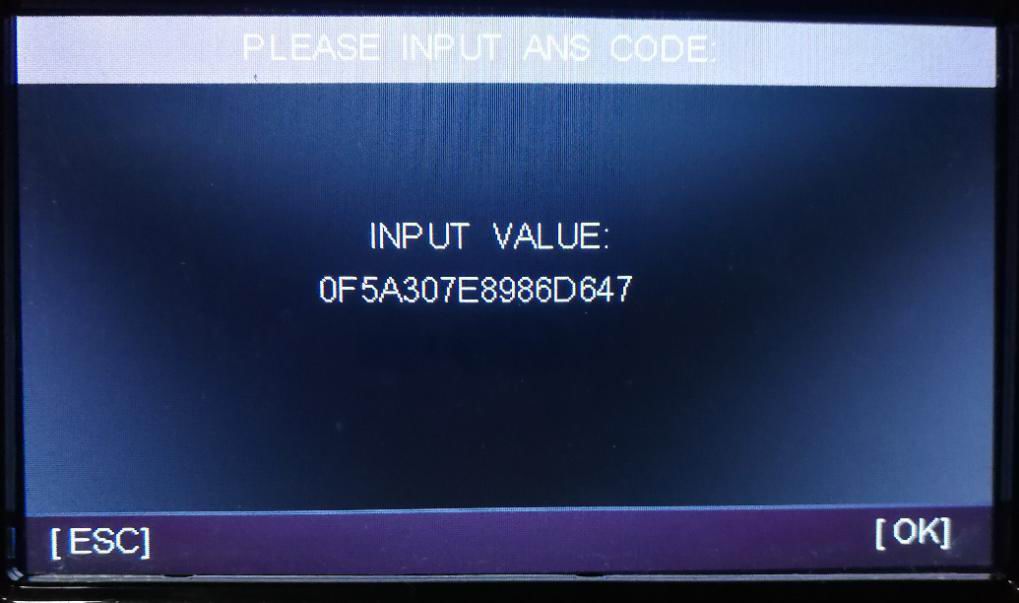
6)Input the ANS CODE you get in the Autek Ikey 820 Update Tool. There are two different
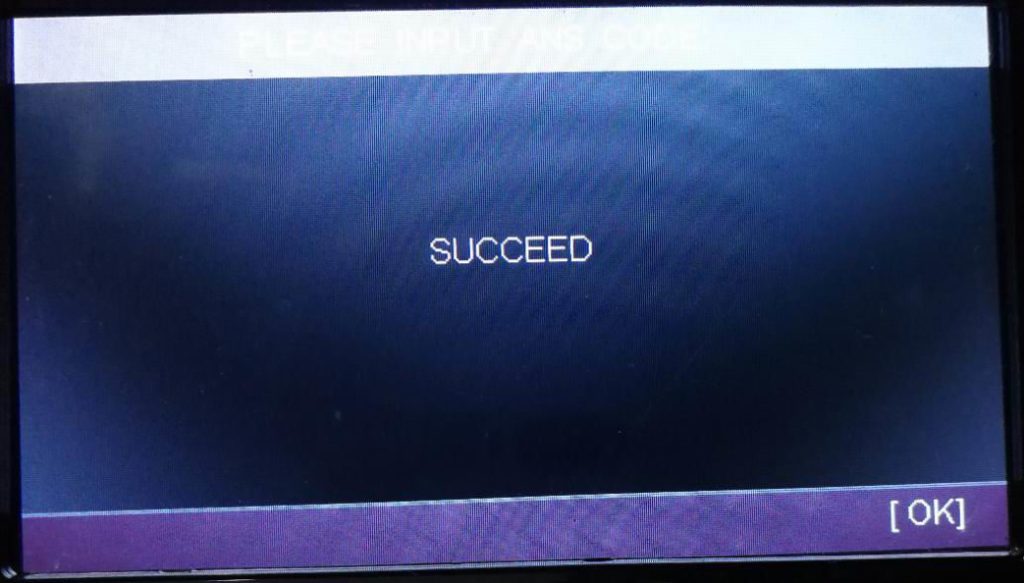
7)Press OK button and the page will show the result, SUCCESS or FAILED.
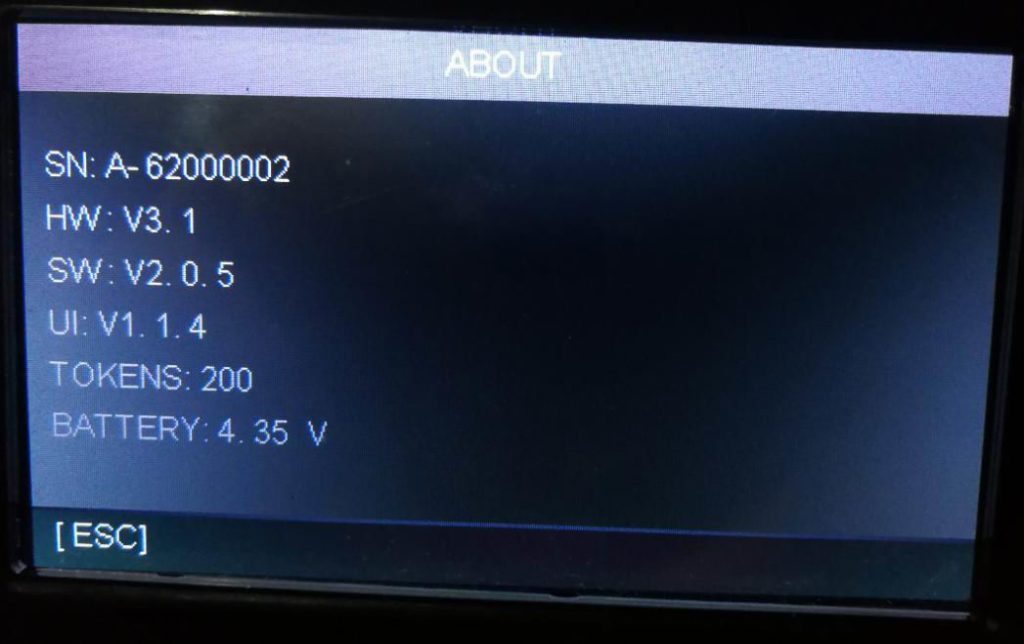
8)You can check your tokens in the ABOUT menu if you activate your device successfully.
Here are the pictures to activate the device. All the SN、REQ CODE and ANS CODE are examples, just ignore them.
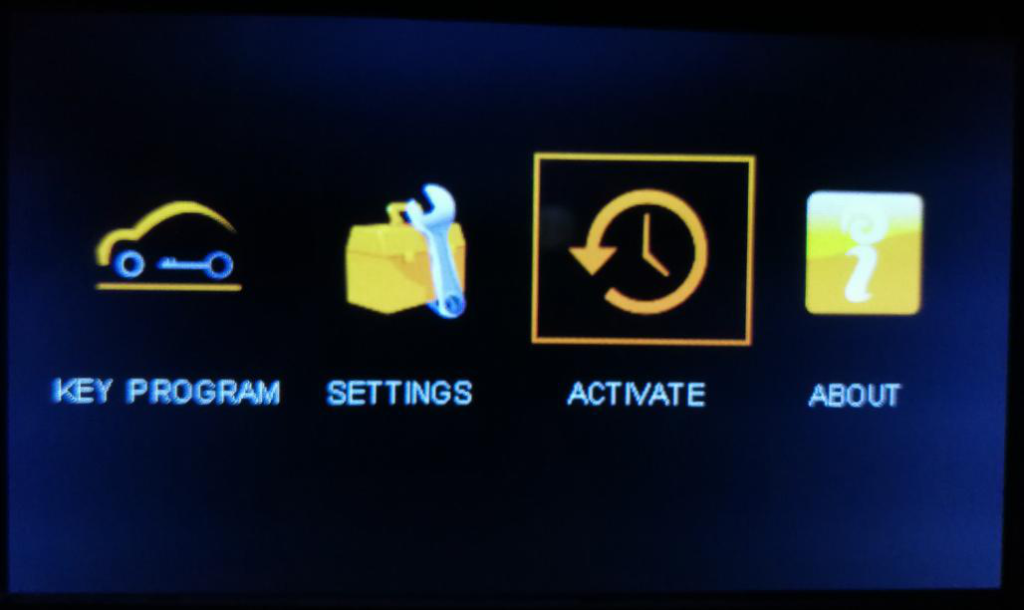
Select the ACTIVATE menu
The ACTIVATE page
Open Autek Ikey 820 Update Tool and input the REQ CODE
Get the ANS CODE
Input the ANS CODE
Confirm the ANS CODE you input
The result page, SUCCEED means activate successfully
Check the tokens in ABOUT page

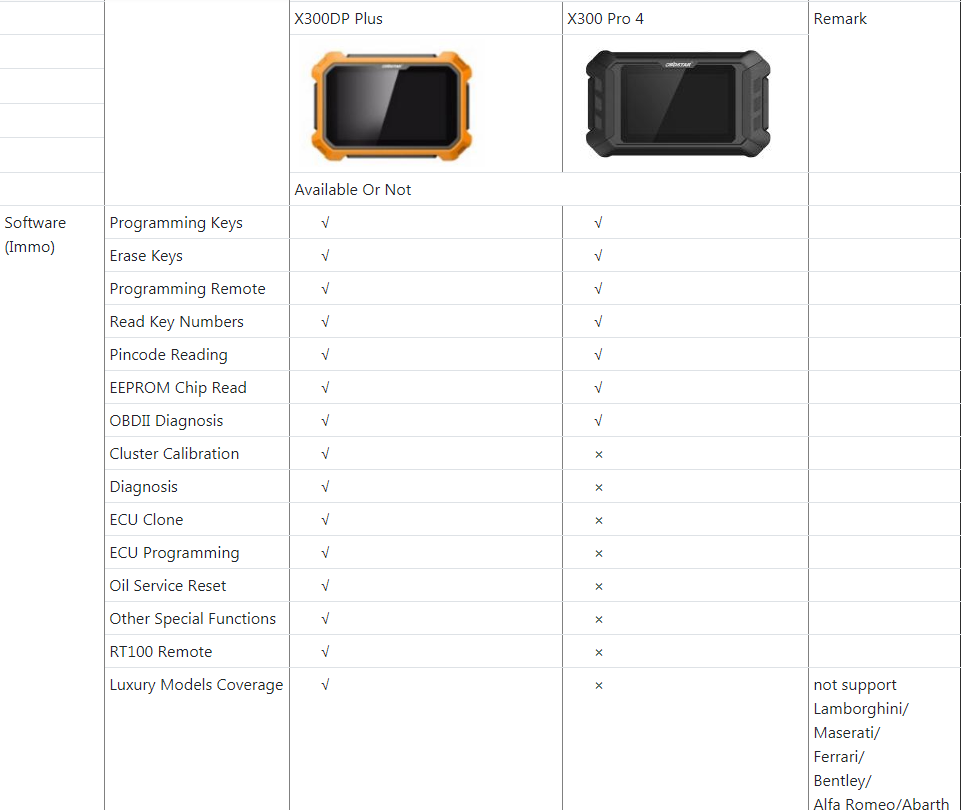
OBDSTAR X300 Pro4 vs.X300 DP Plus:X300 PRO4 is IMMO version Key Programmer

OBDSTAR X300 PRO4,will be released in mid-October,is a IMMO version key programmer for all makes except super luxury car makes incl.Lamborghini,Maseratti,Ferrari,Bentley,Alfa Romeo,Abarth.
OBDSTAR X300 PRO4 will be a top choice of Locksmith comparing to X300 DP PLUS

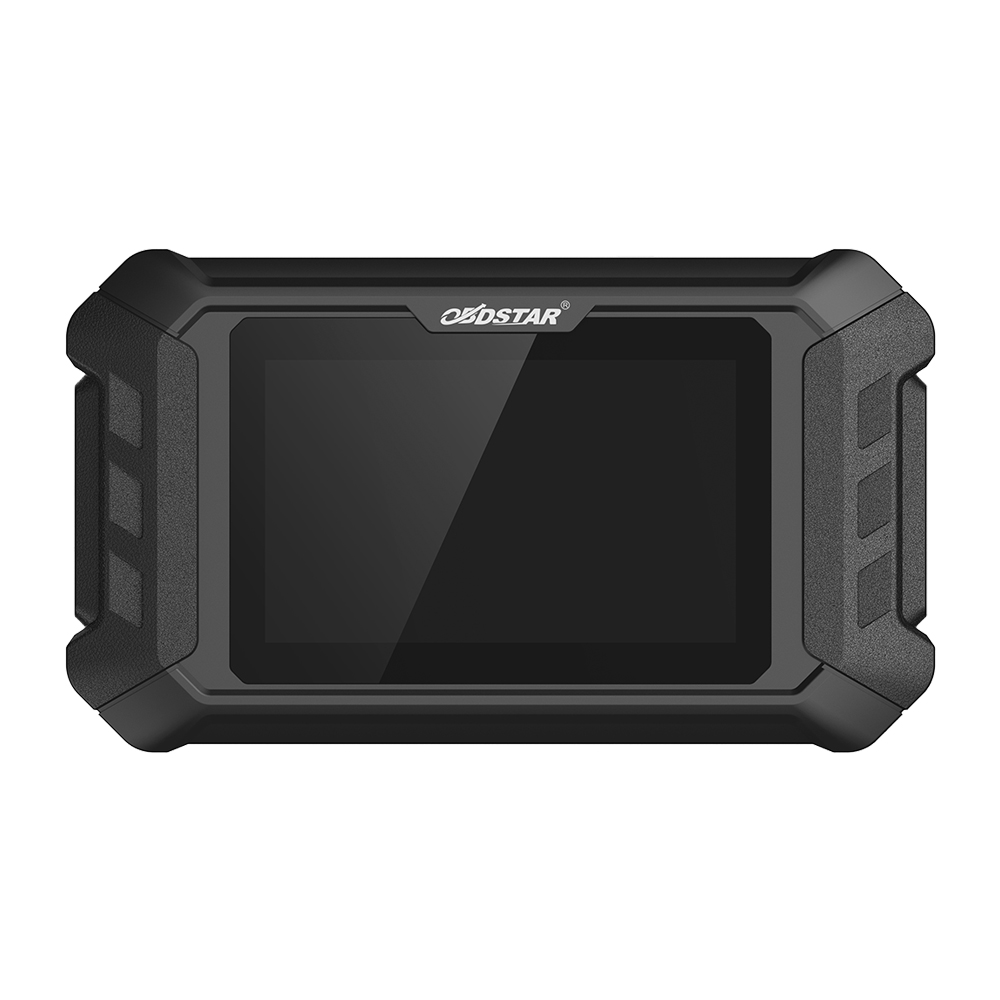
This is OBDSTAR X300 PRO4

obdstar x300 pro4 vs.obdstar x300 dp plus in the aspects of immo function

Sum Up:
obdstar x300 pro4 is only for locksmith,it can do :
-Program keys for all makes
-Erase keys
-Read Key Number
-Read Pincode
-Read EEPROM

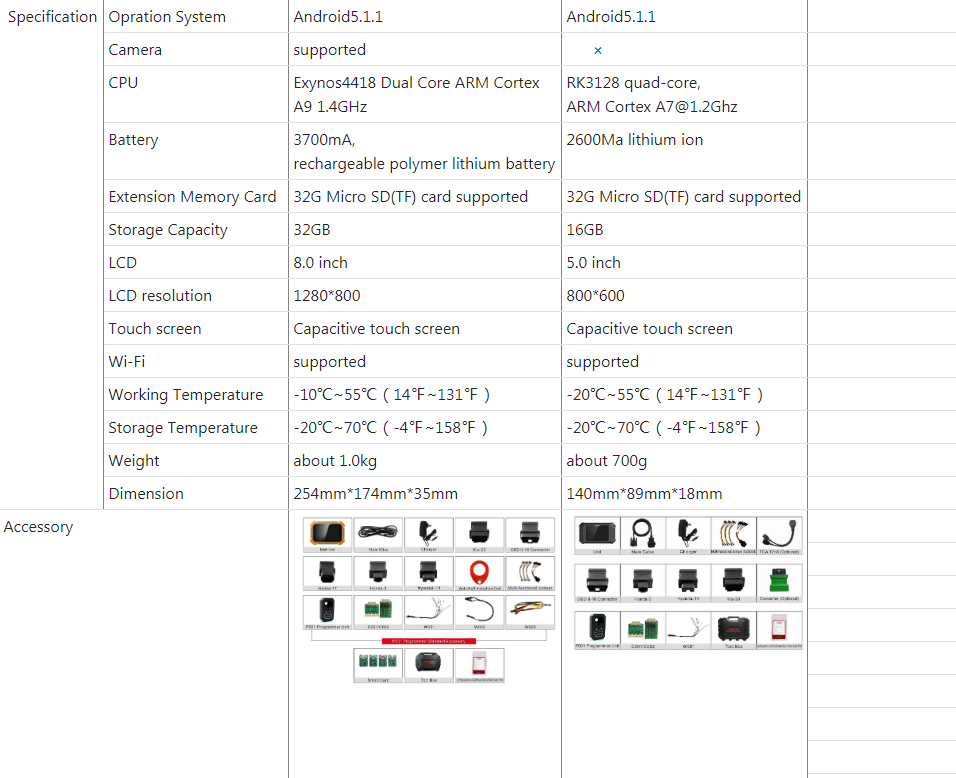
Besides,from the outlook/specification,obdstar x300 pro4 is the lite version of obdstar DP plus
obdstar x300 pro4 comes with smaller LCD,owns the same Android 5.1.1 operation system and wifi function etc.

In one word,obdstar x300 pro4 is a immo version key programmer, it must be cheaper than DP Plus

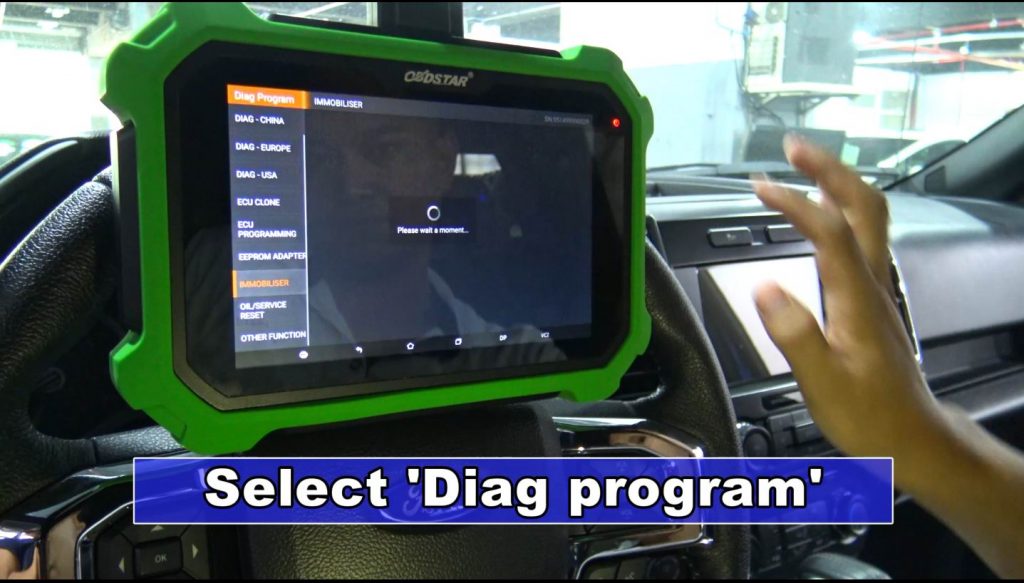
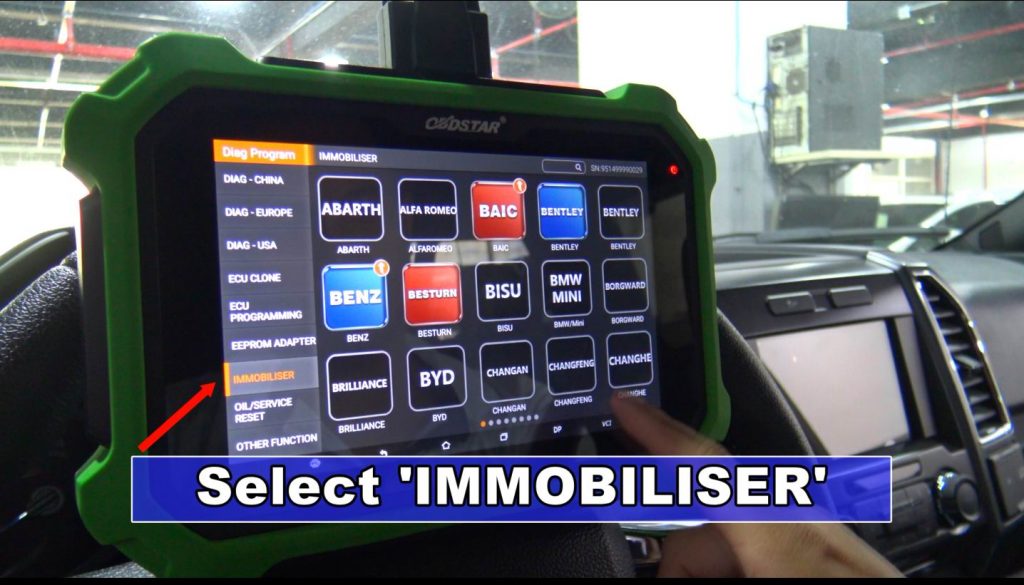
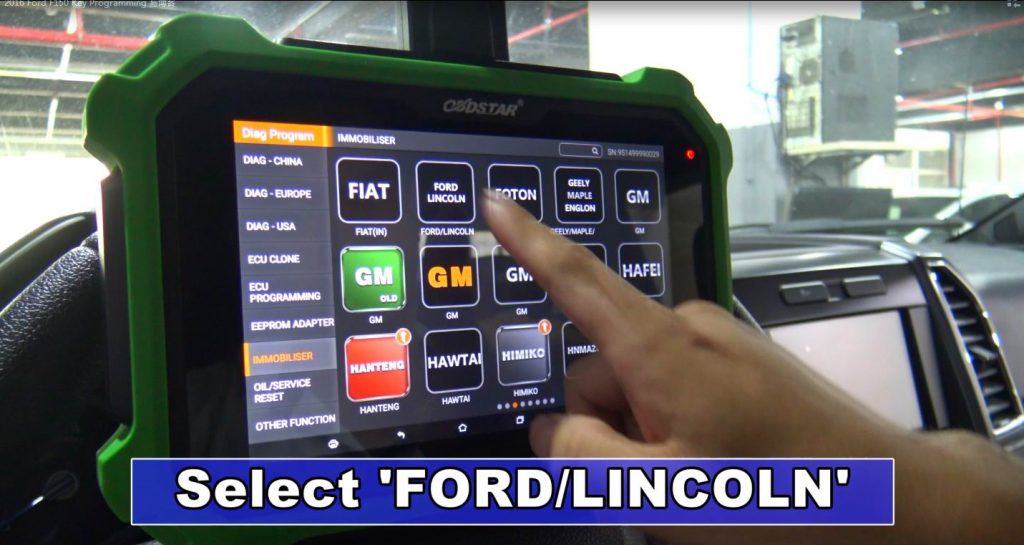
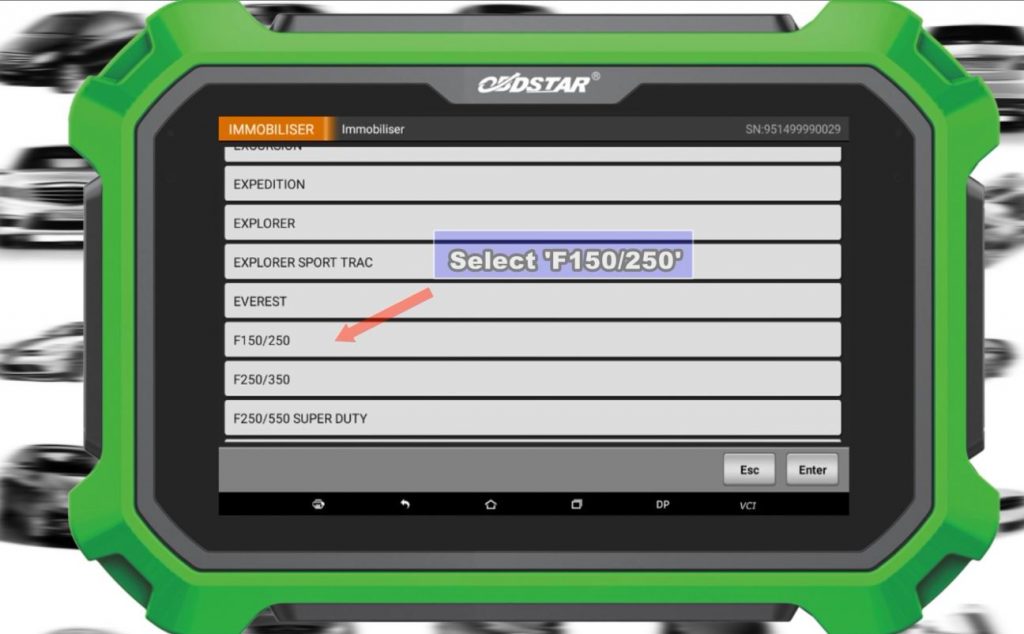
How to use OBDSTAR X300 DP Plus to Test 2016 Ford F150 Key Programming?

OBDSTAR X300 PAD2 X300 DP Plus is a universal ke programming tool which cover thousands of car models.

And it is also can support models to year 2018

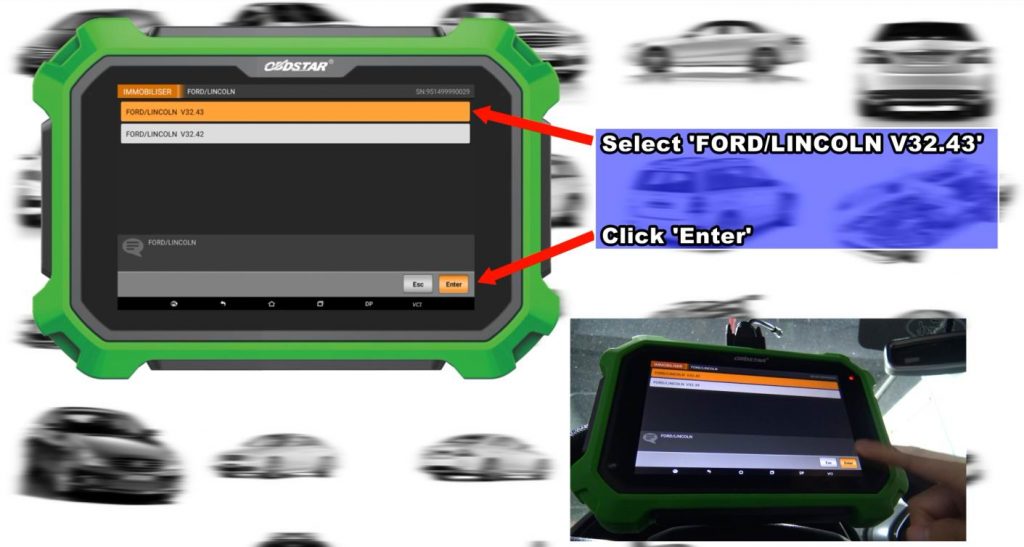
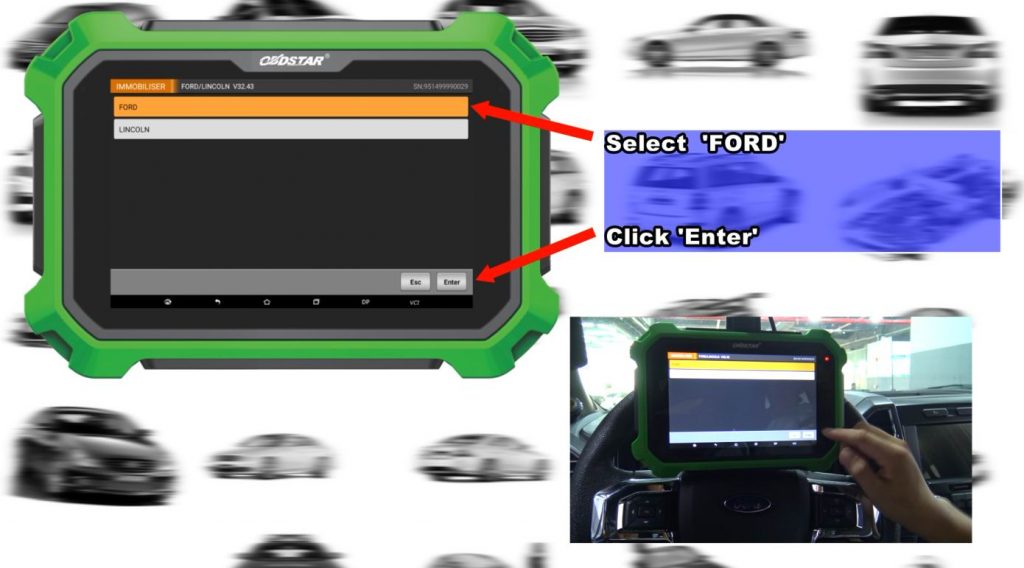
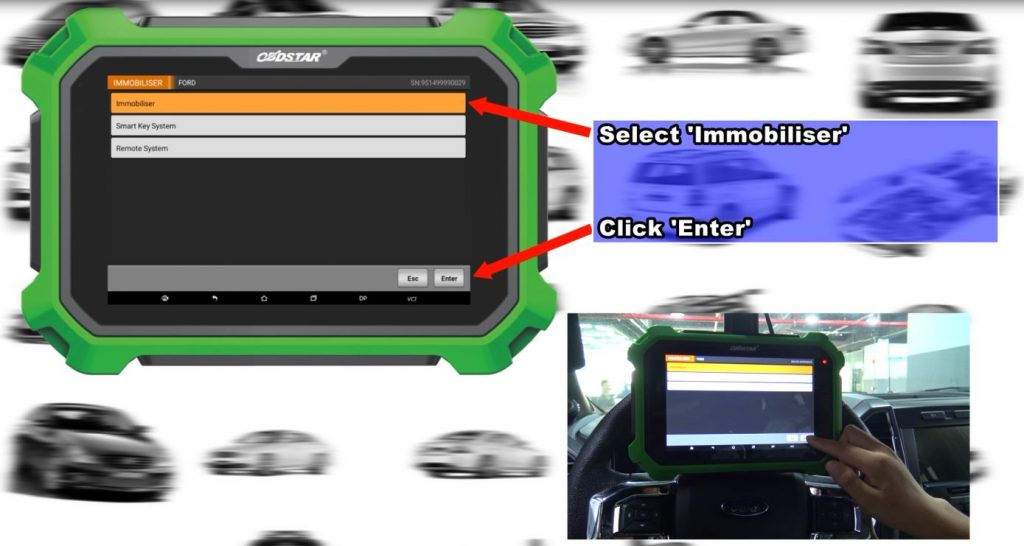
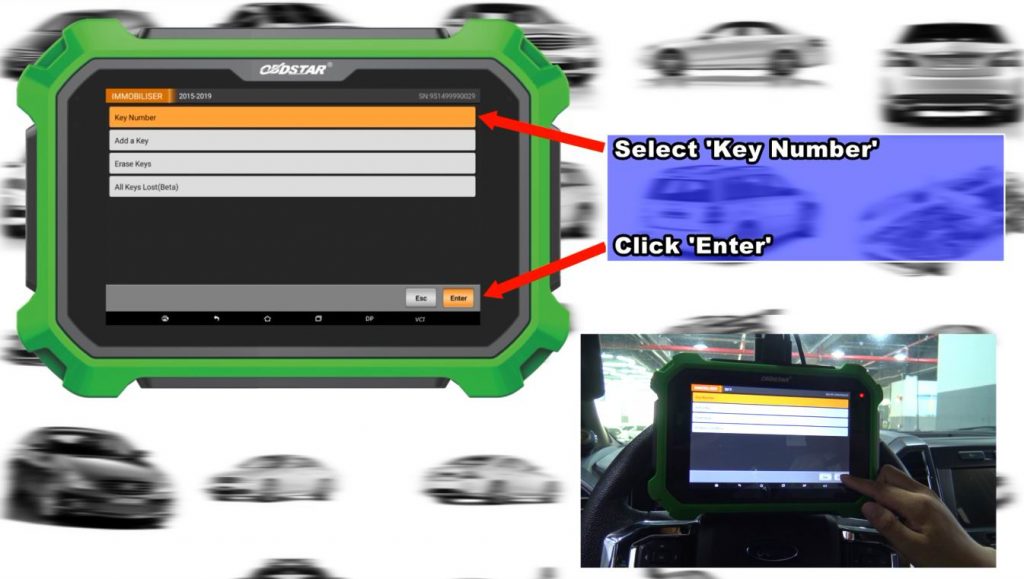
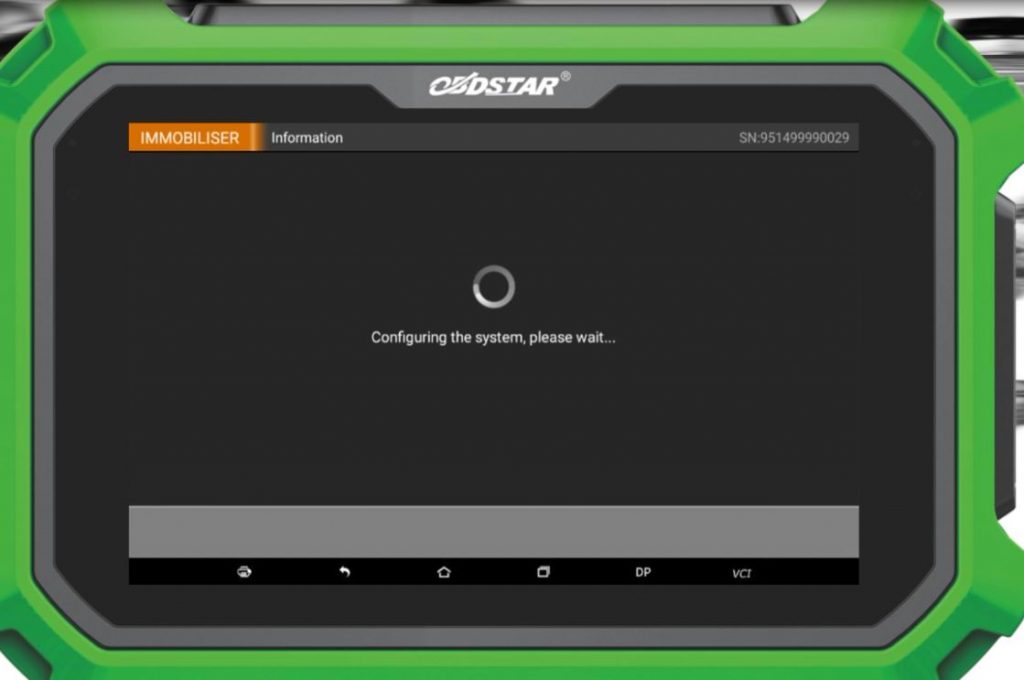
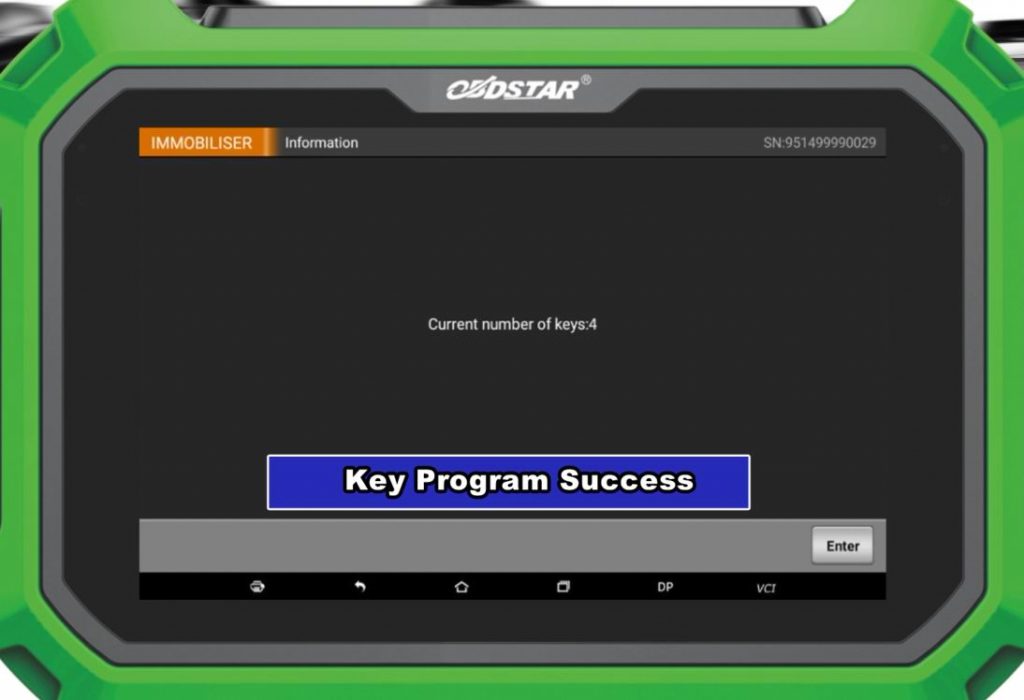
Here we share how to use DP Plus to do key programming for Ford F150 2016

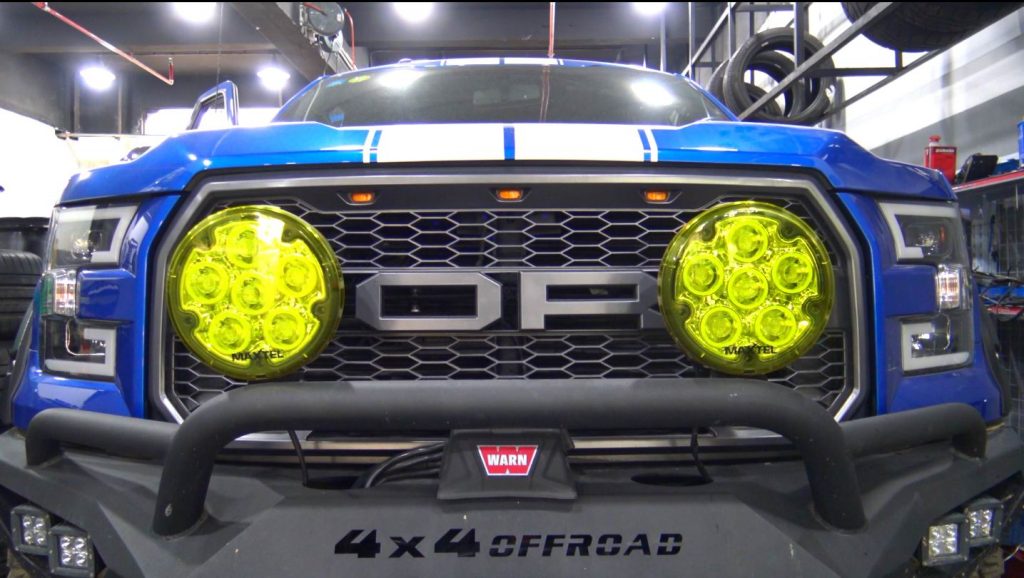
It is Ford F150 Models

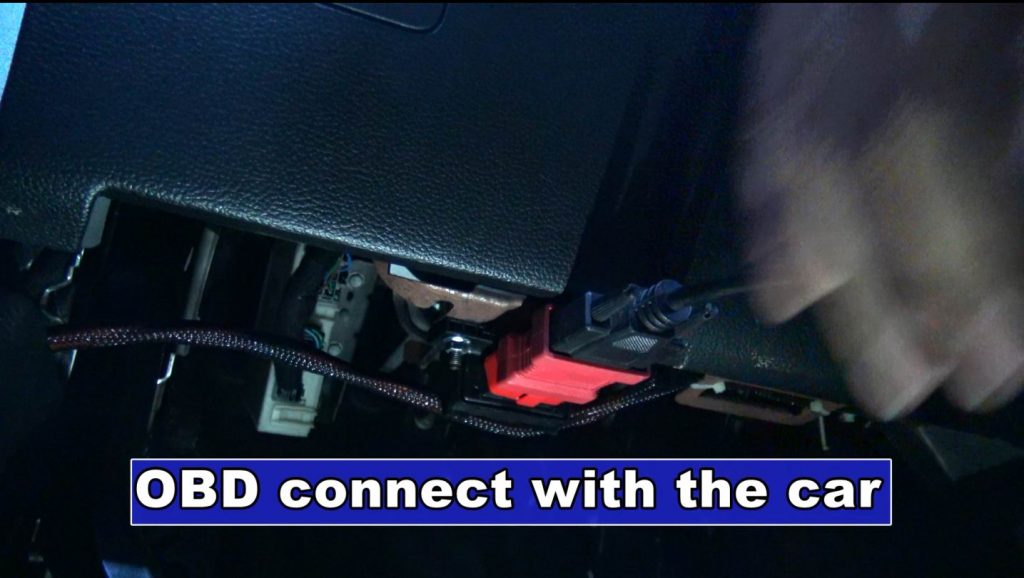
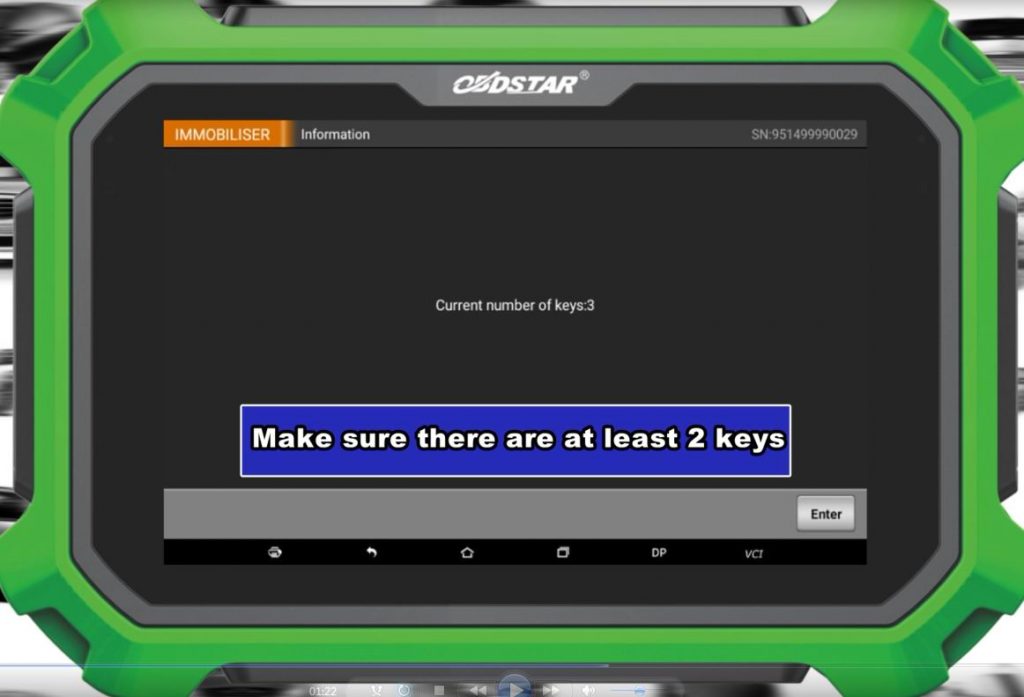
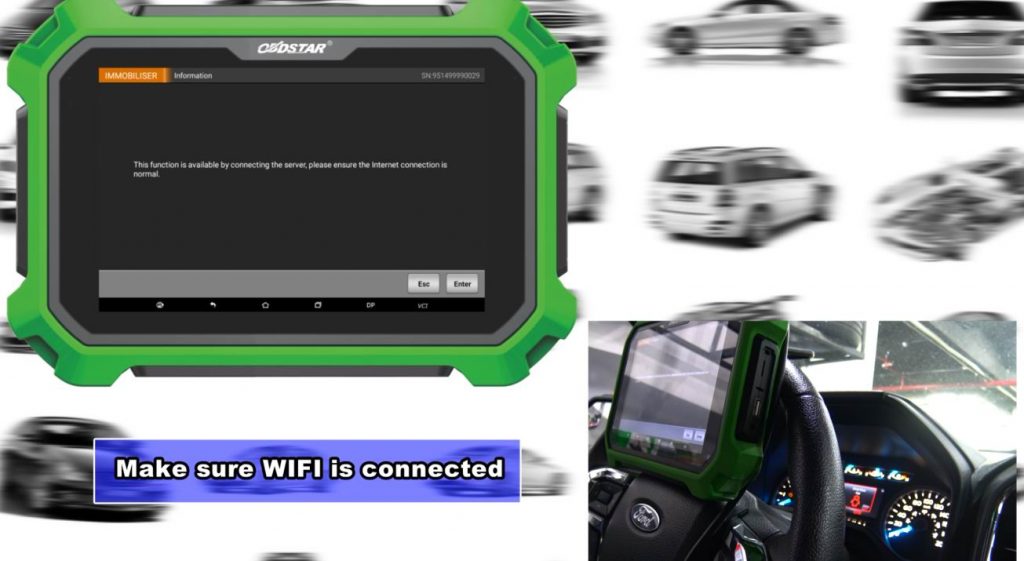
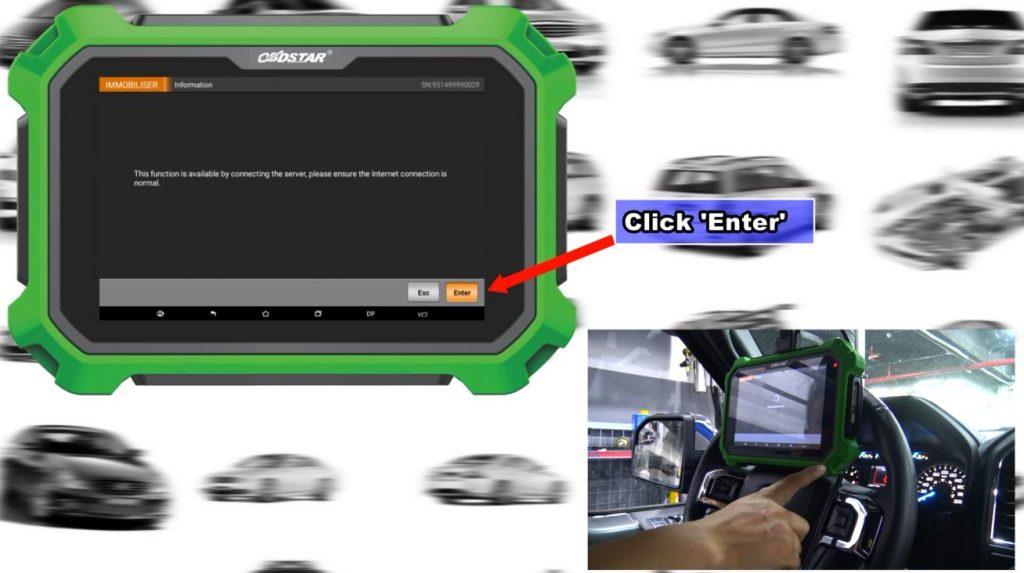
Firstly, Connect X300 DP with the car via OBD connector.

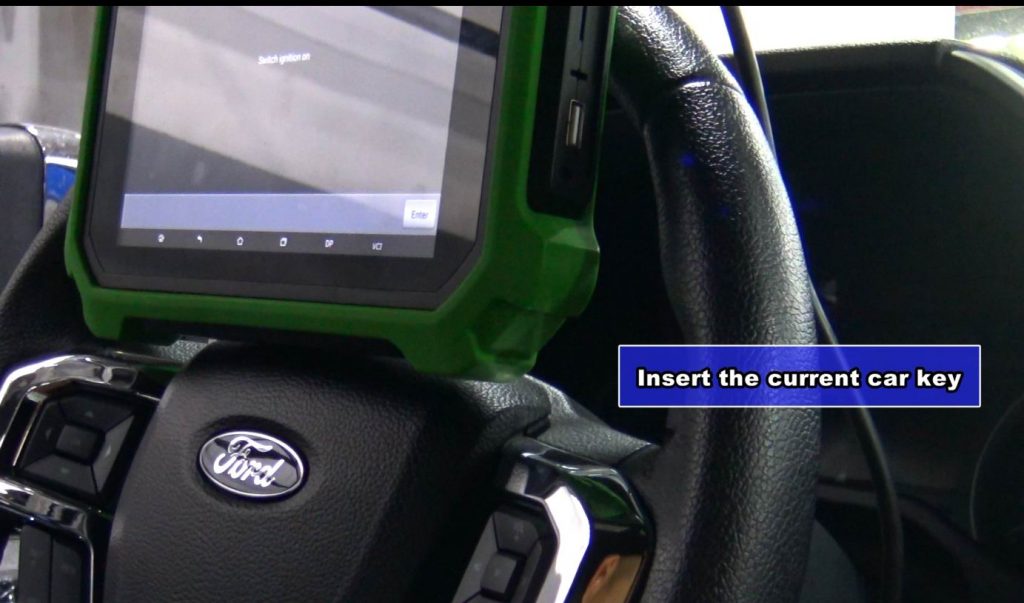
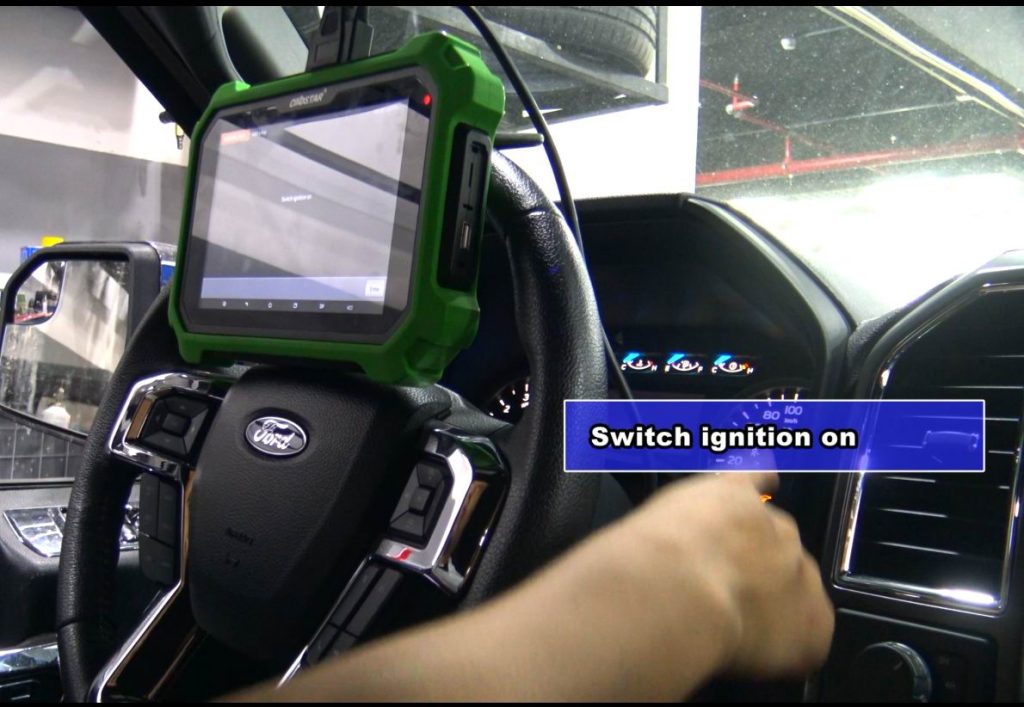
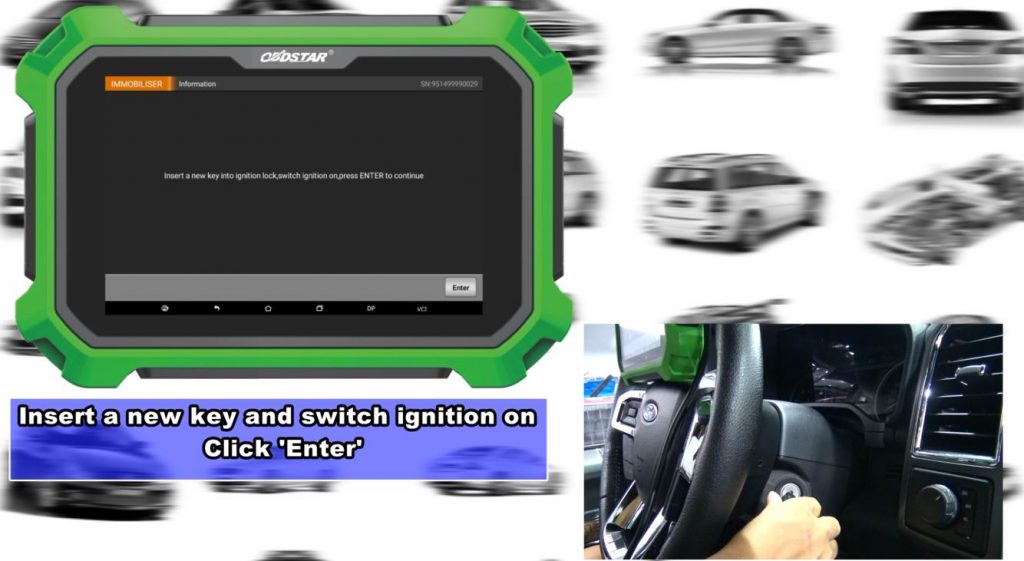
Insert a new key into ignition loc,switch ignition on,press ENTER to continue

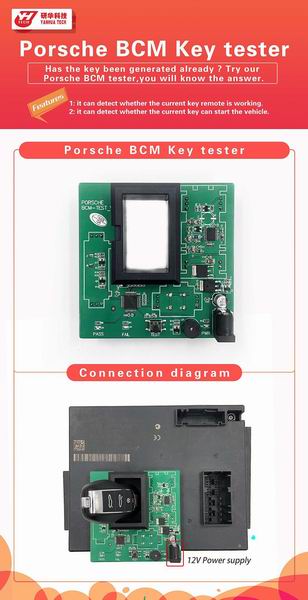
YANHUA Porsche BCM Key Tester

Porsche BCM Key Tester Function

  1. Integrated interface board makes installation simple and efficient.
  2. It can detect whether the current key remote is working.
    Pressing the key button, when the green light lighting, it indicates that the current key remote is working.
  3. It can detect whether the current key can start the car.
    Placing the key on the induction coil and pressing “TEST”.
    When the green light lighting, it indicates that the current key can start the key

for more operation details ,please check youtube link

https://youtu.be/AQkr3U6lEns

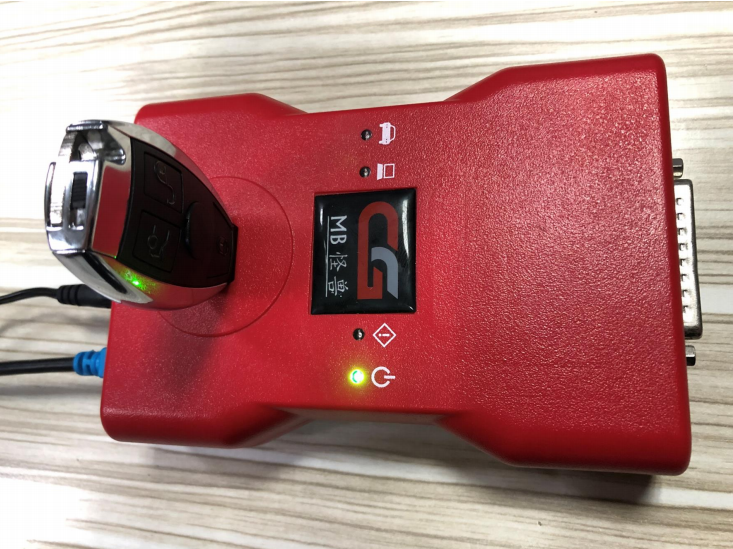
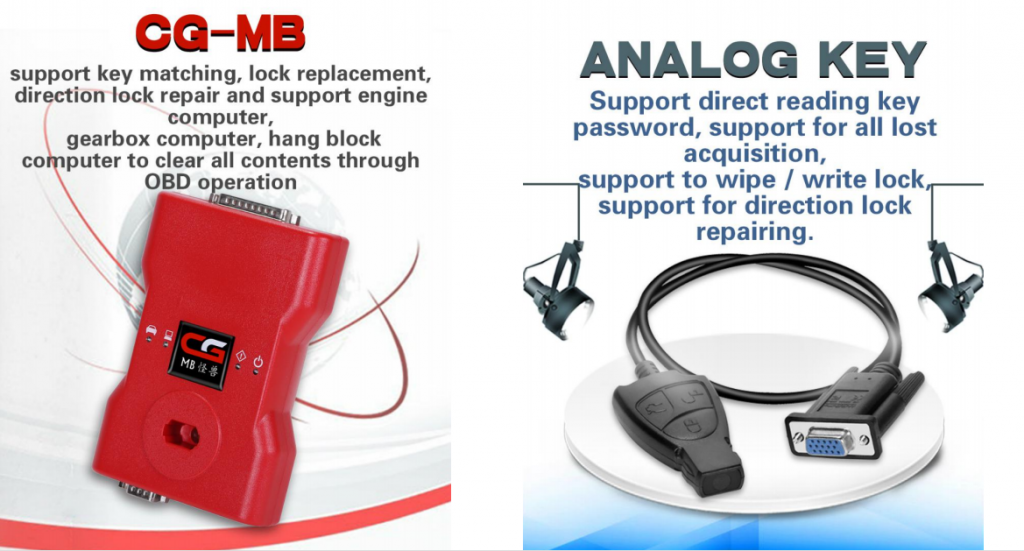
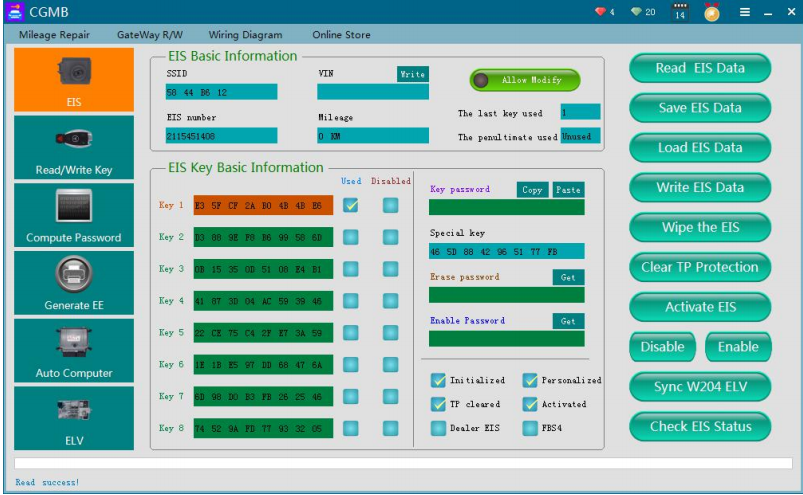
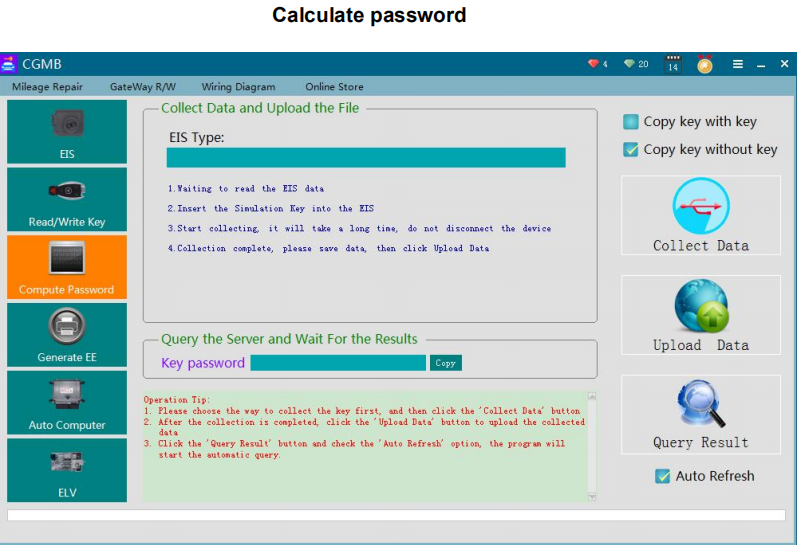
How to Exchange CG BE Key Points to Token for CGDI MB Password Calculation.

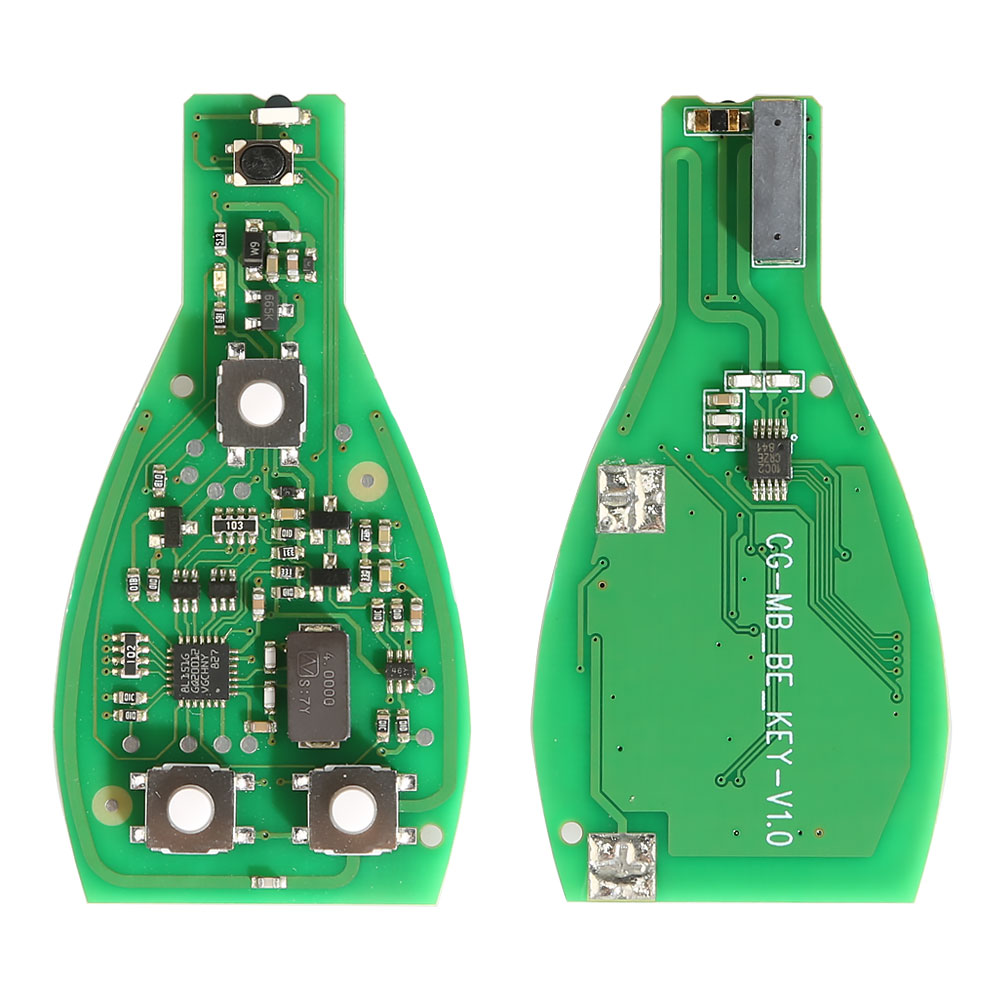
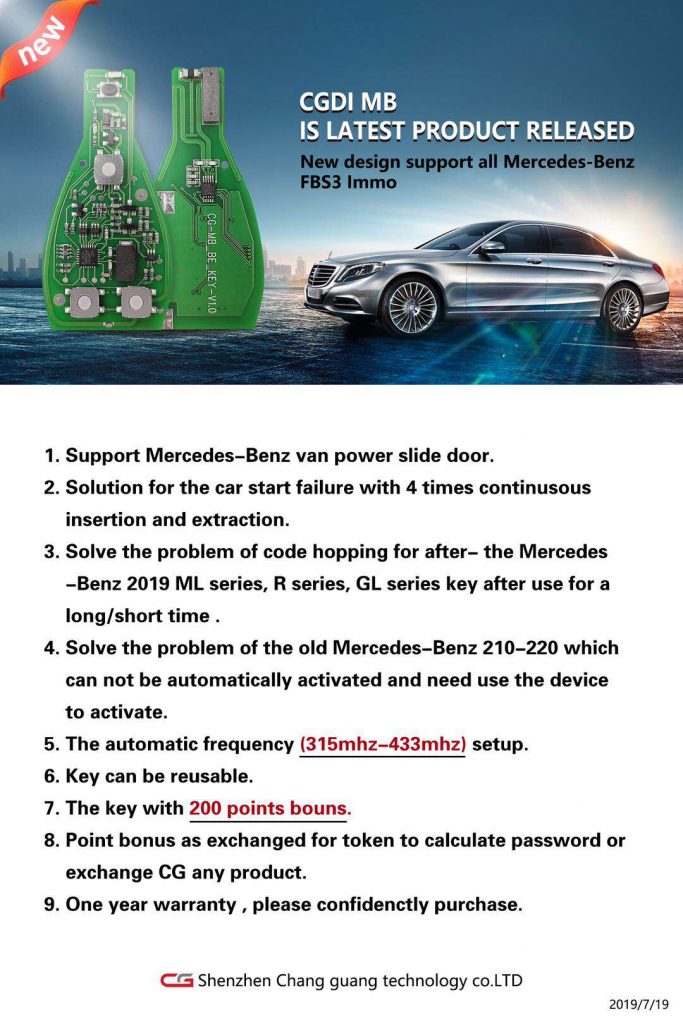
Every CG BE key comes with free 200 points.Every 200 points can be exchange to 1 Token for CGDI Prog MB passwrod online calculation

CGDI CG MB BE KEY pro support All Mercedes FBS3 315MHZ/433MHZ

But how to exchange points to tokens ?

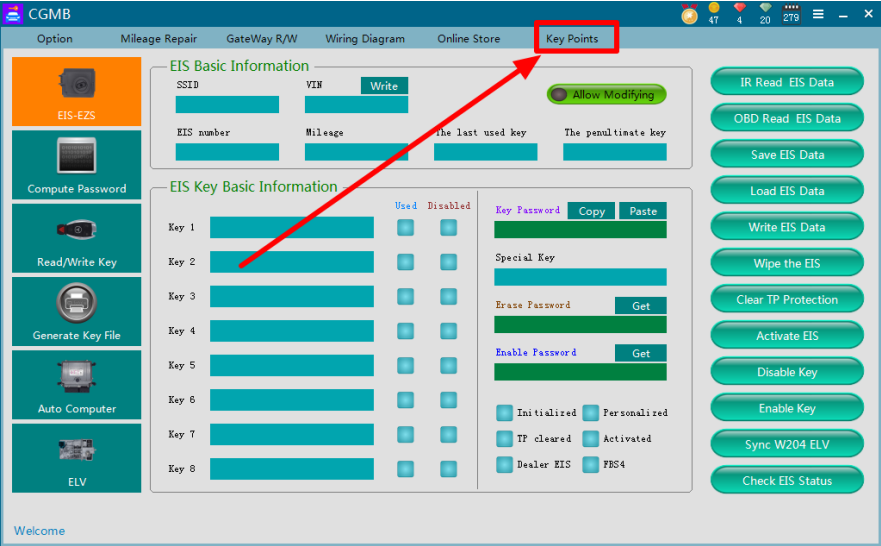
Step 1: Step 1: In CG BM Monster Software, Select “Key Points”

Step 2: Insert the BE Key into MB Monster

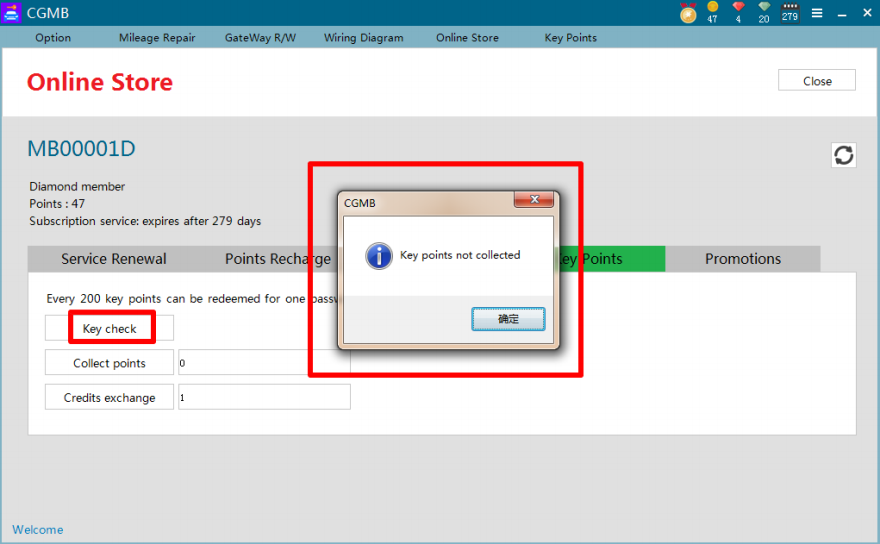
Step 3: Go to Online Store and Click Key Check,it will show” Key Point not collected”

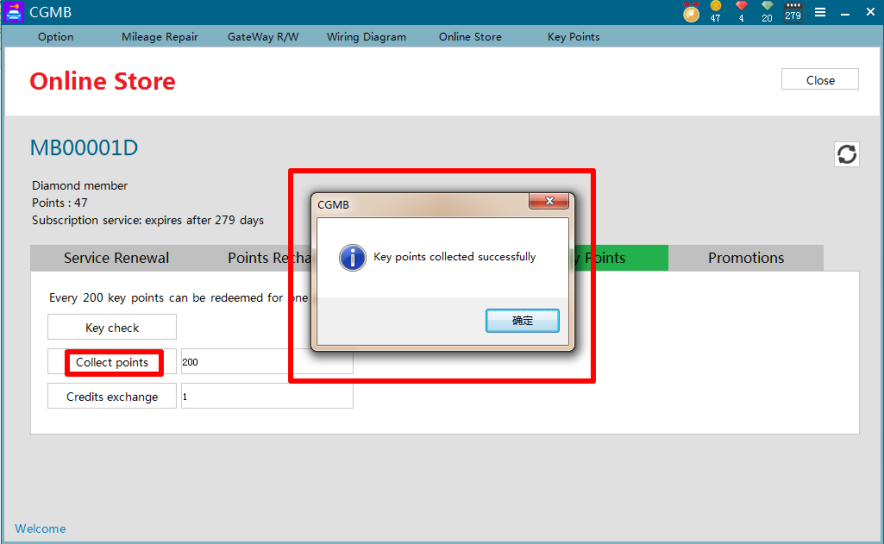
Step 4:Click” Collect Points” and success message appeared

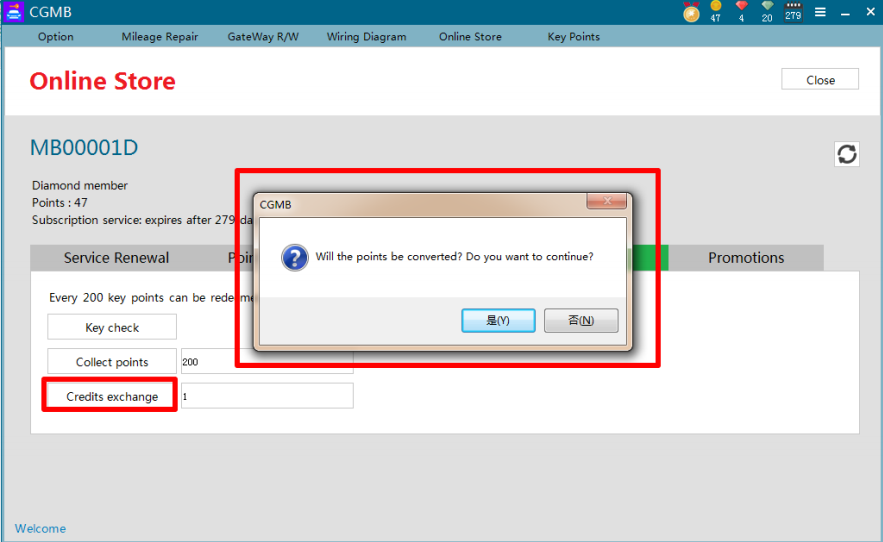
Step 5:Click “Credits exchange” and it will ask for” do you want to exchange converted”?

Step 6: Click”Yes” and the exchange will be finished.

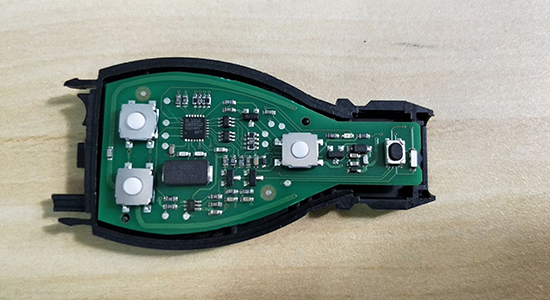
How to assemble the case with CGDI MB BE Key PCB?

How to assemble the case with CGDI MB BE Key PCB?

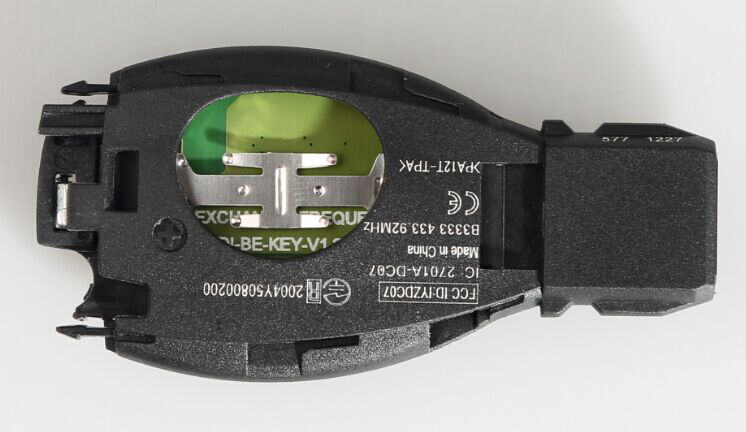
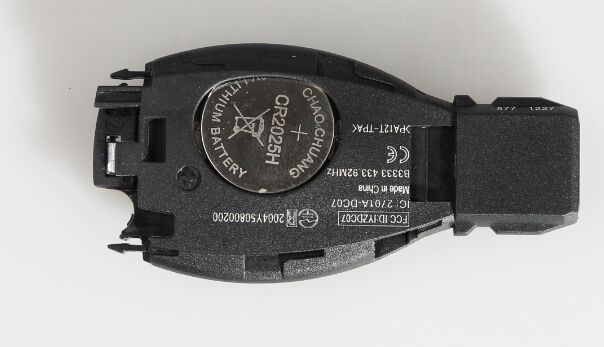
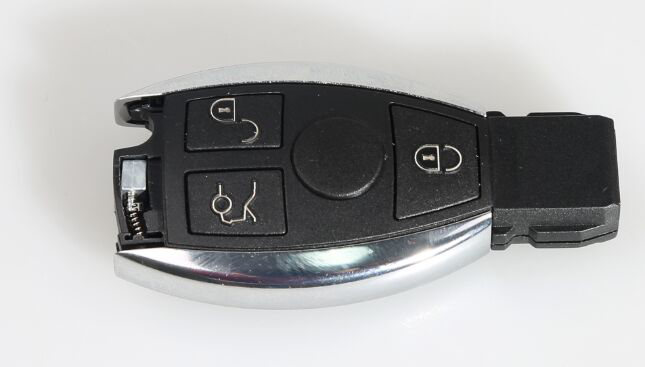
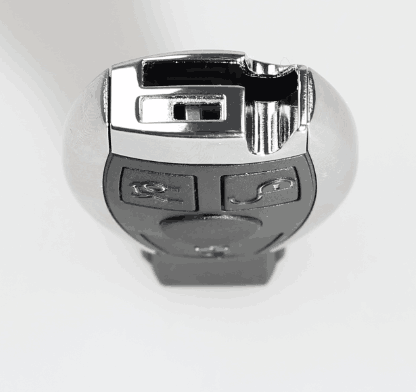
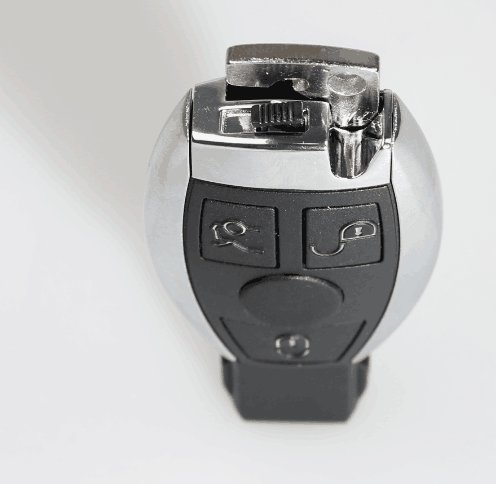
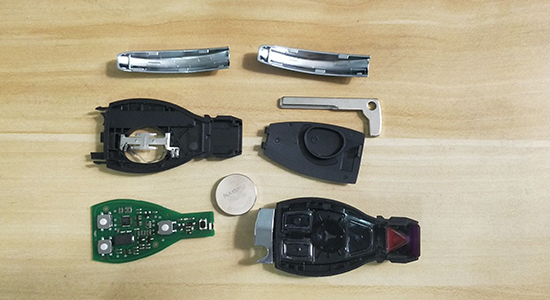
Here we share how to assemble CGDI MB BE Key with Smart Key Shell 3 Button for Mercedes Benz

1.Put the CGDI MB Be Key PCB into the case.

2.Cover the bottom case

3.Insert the battery and cover the case.

4.Push the metal strips on both sides into the right position.
If the rear metal component is first assembled, then the metal strips on both sides won’t be able to pushed into the right position.

5.Here rearmetal button.

6.Put into the small key and start button.

If you want to disassemble the case, please do it from the last step to the first step.

for more information about CGDI CG MB BE Key Pro ,please click following link

http://www.eobdii.fr/cgdi-mb-be-key-support-all-mercedes-fbs3.html

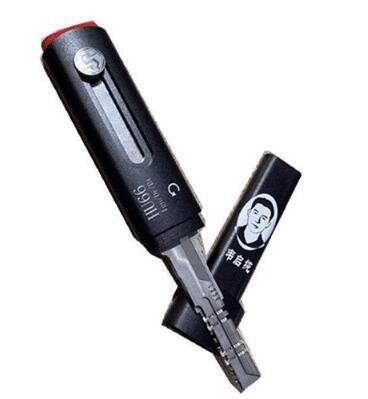
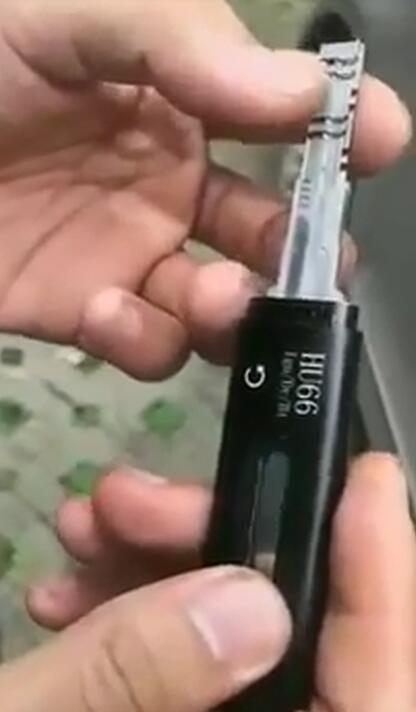
HOW TO READ KEY CODE WITH NEW TYPE HU66 LOCK PICK AND DECODER

New Type HU66 Lock Pick and Decoder is a good locksmith tool. It can open a car in 10 seconds when you forgot or lost your car key.

Here share how to read key code with New Type HU66 decoder.

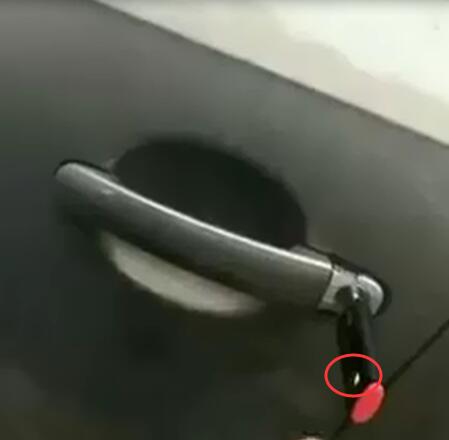
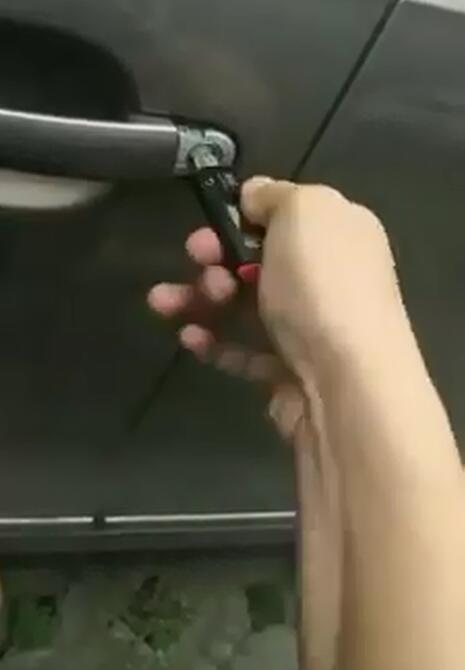
Detailed steps to read key code:

Take out the New Type HU66 cap

Insert the New Type HU66 into car door lock correctly

Rotate the white button to the bottom of the device

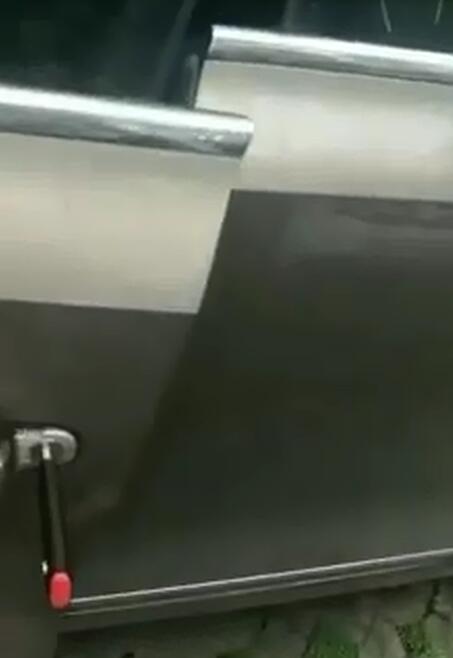
Then turn the device left and right to open the door

Test successfully

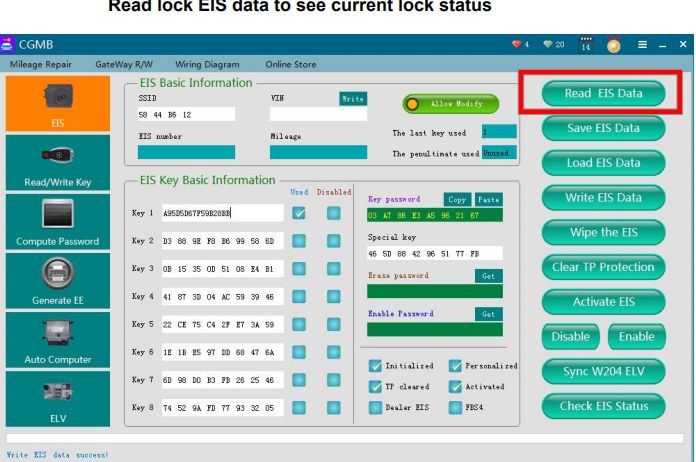
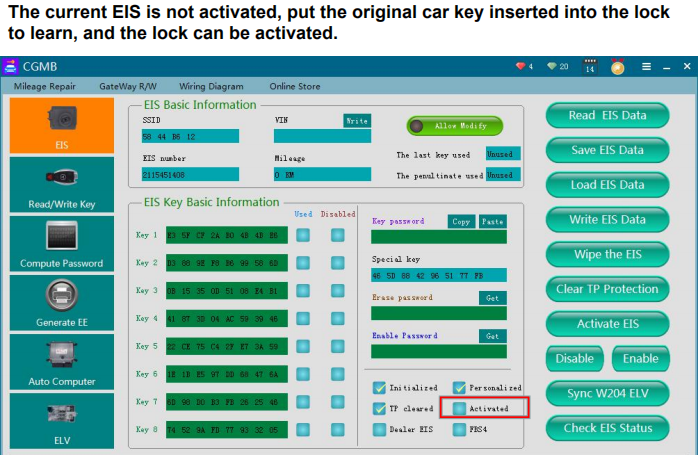
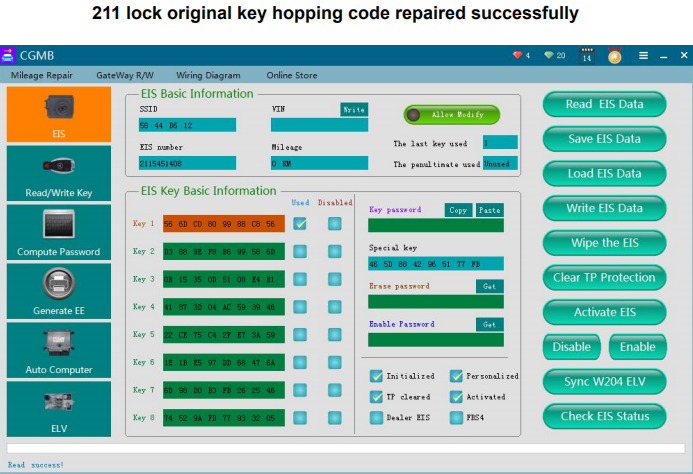
CGDI MB W211 original key hopping code repair

what’s hopping code ?

Hopping code: Most of the keys are too fast to be inserted
and removed, and the track code does not roll, resulting in
code hopping, so that the key and the lock cannot be
matched properly.

Use Mercedes monster to repair, the specific operation is as follows:

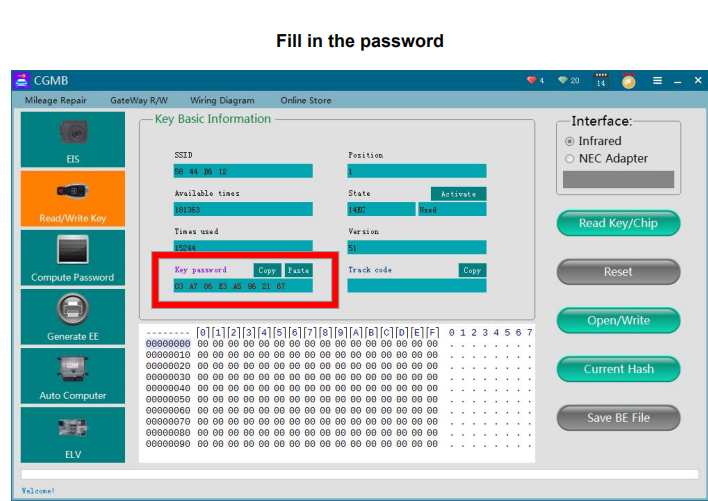
  1. First you need a key password.
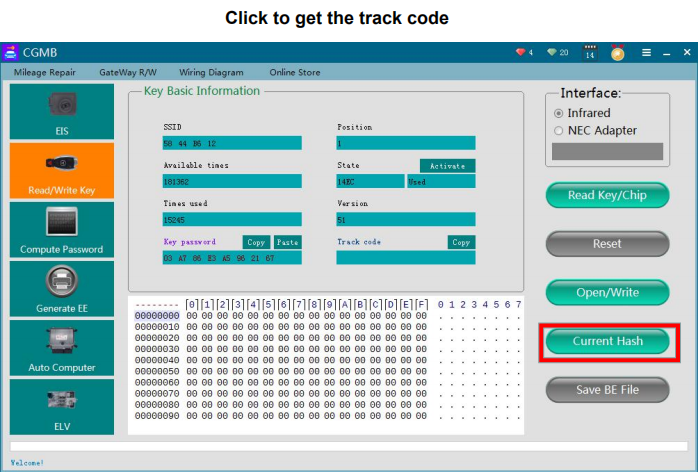
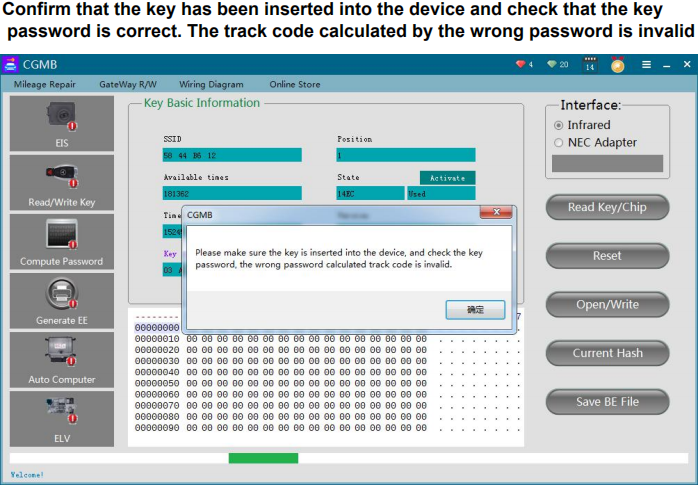
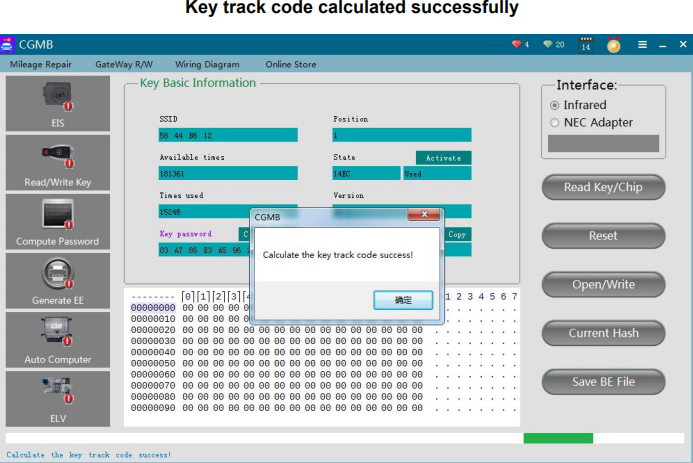
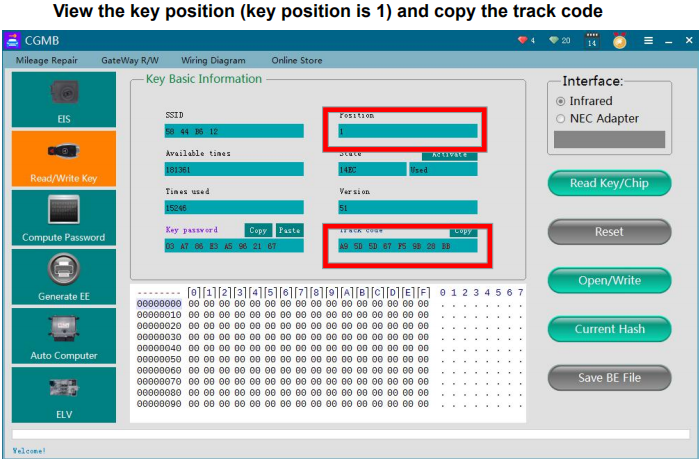
  2. Calculate the track code of the key.
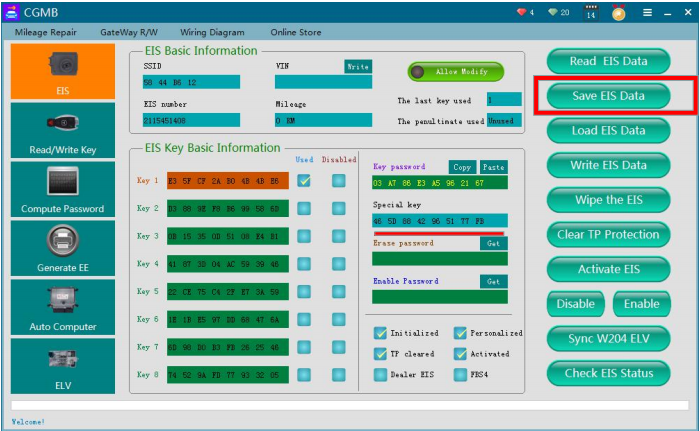
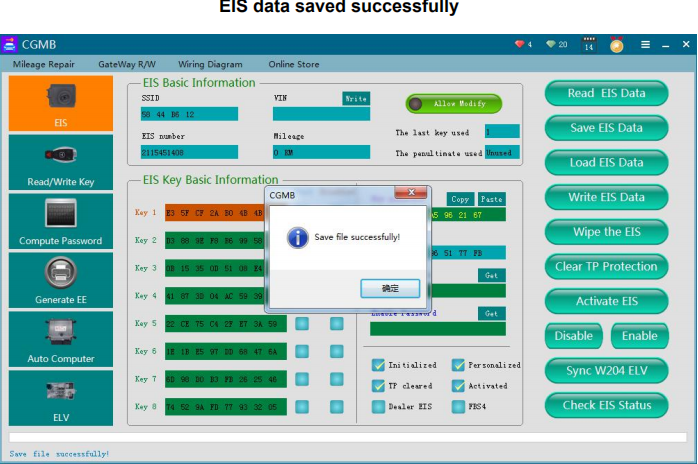
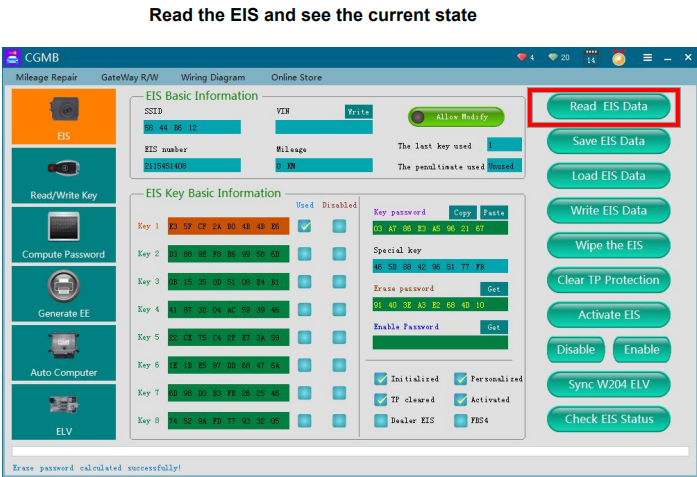
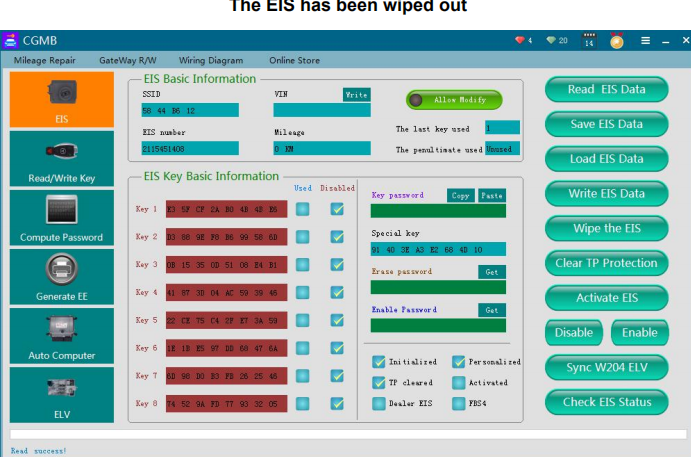
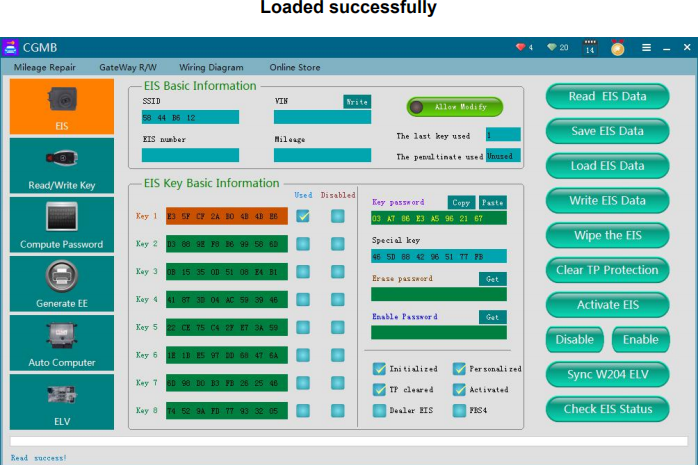
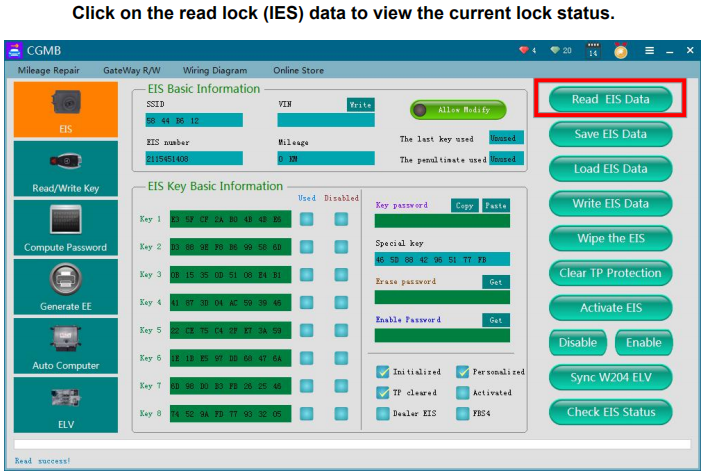
  3. Read the EIS, fill in the password and save the data.
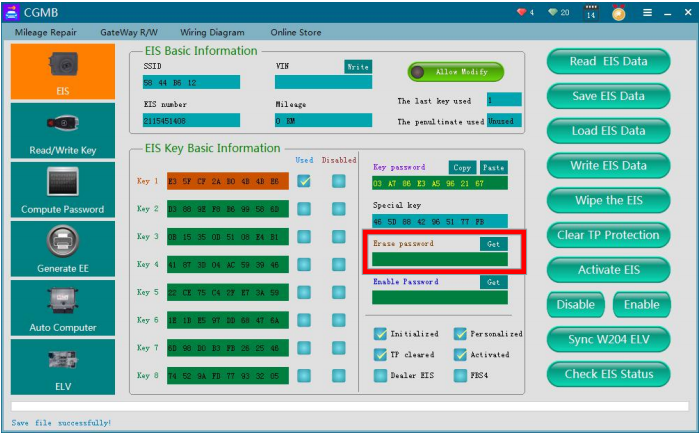
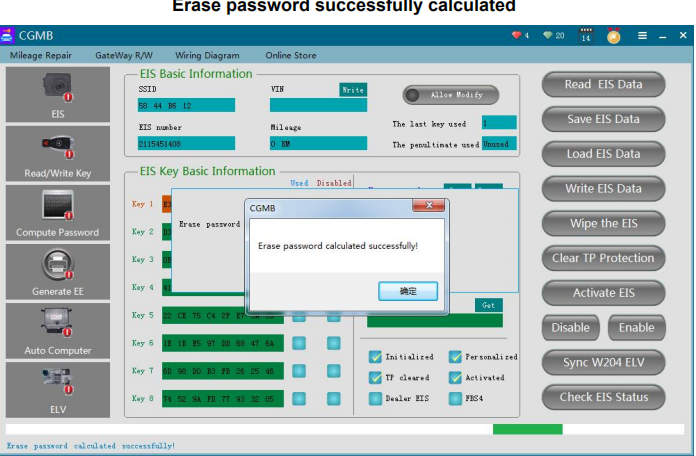
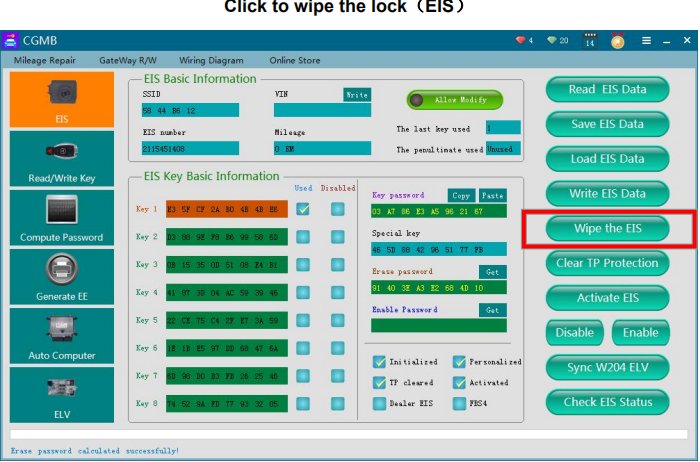
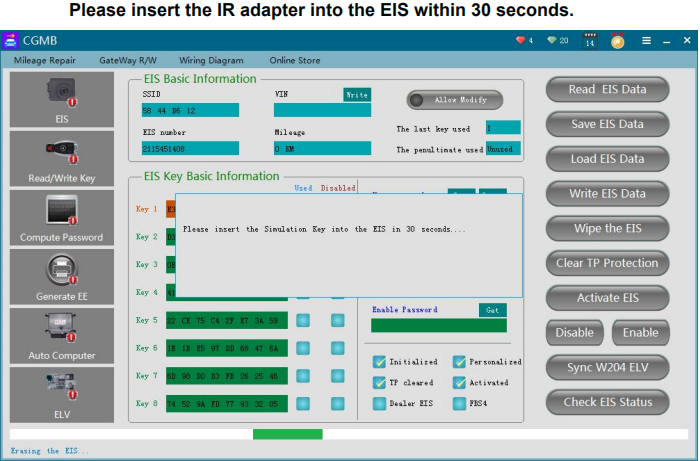
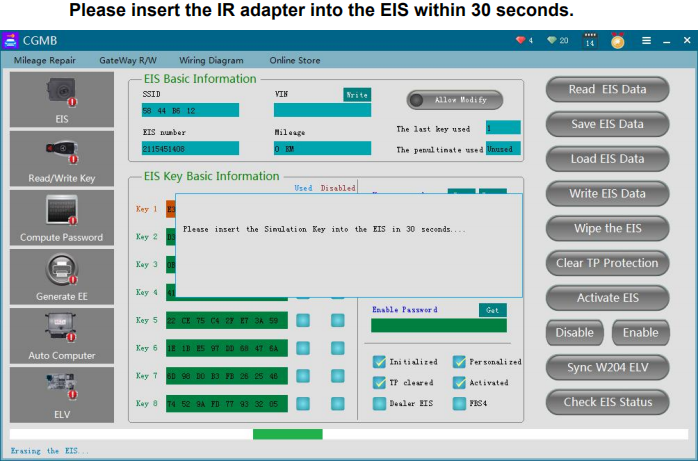
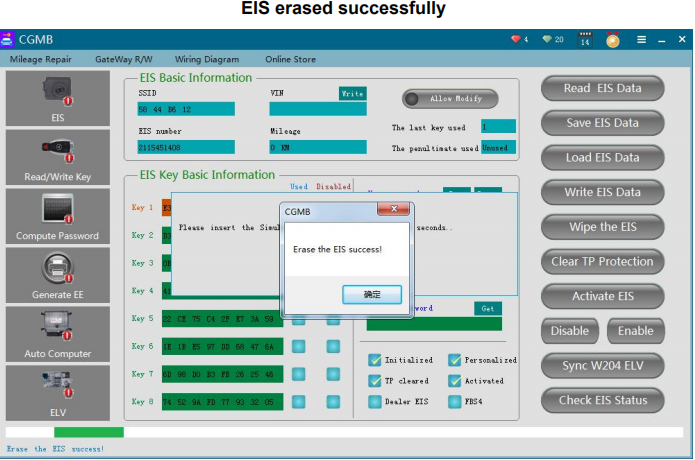
  4. Calculate the erase password and erase the it.
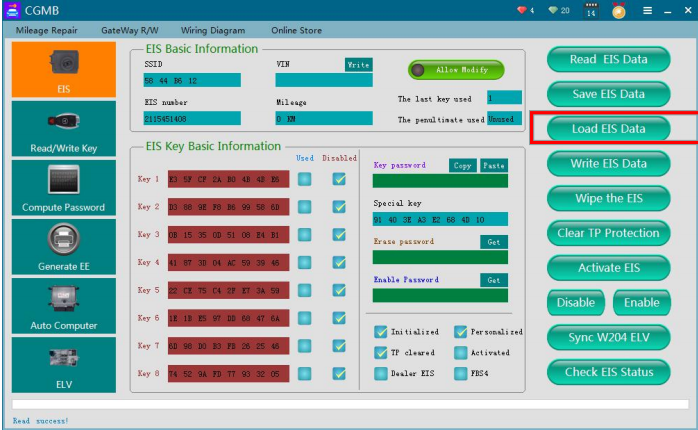
  5. Load the EIS data with the password.
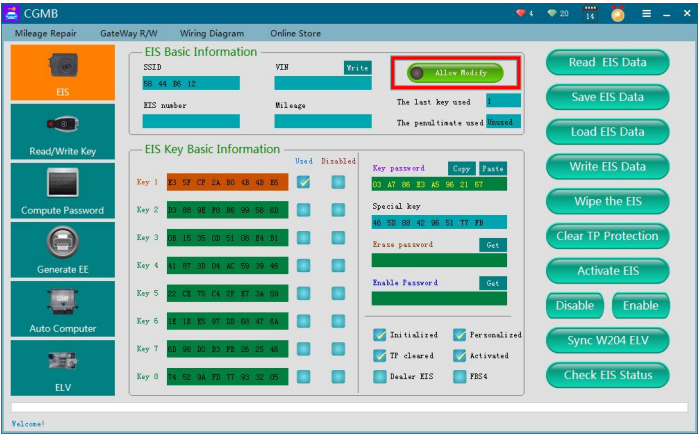
  6. Click “Allow modification of data.”
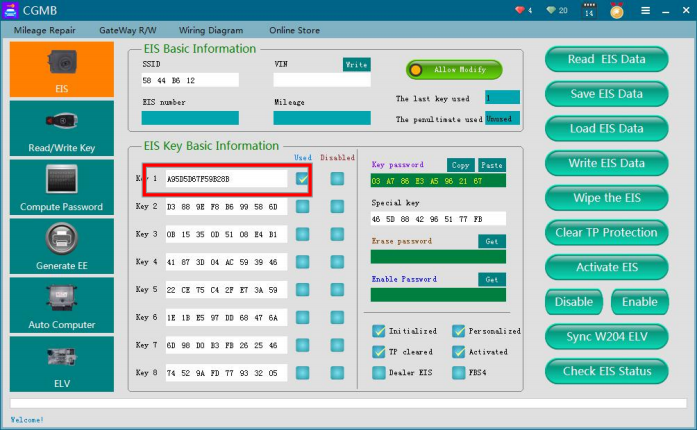
  7. Change the track code of the key position to the track code of the
    key.
  8. Write data.
  9. Learning key

Need to use the tool below

  1. First you need a key password, If there are no keys, you can calculate the password by doing all key lost.

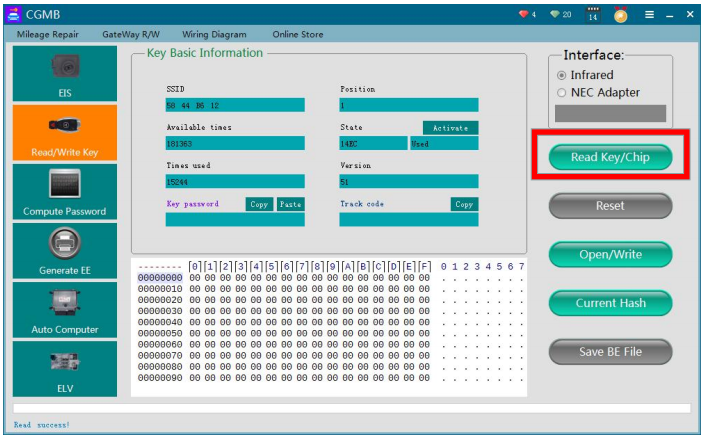
2.Calculate the track code of the key, click to read the key/chip and read the
current information of the key.

3.Read the EIS, fill in the password and save the data.

4.Calculate the erase password and erase the lock, let us get the
erase password first.

5.Click on the load EIS data saved before with the password.

6.Click “Allow data modification”.

7.Modify the track code of the key position to the track code of the key

8.Write the EIS data

Insert the key Wait 1-5 seconds, the ELV responds, the EIS
activates successfully, and the key learns successfully.

Appendix:
Support the key to read and write, you can directly re-match
K-line EIS do not support this repair method.

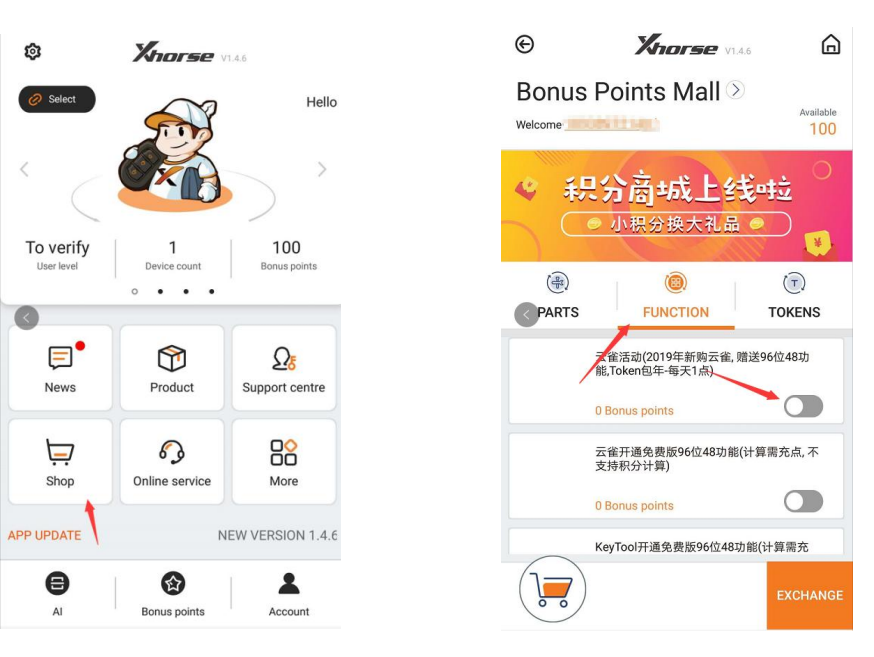
how to activate 96bit 48 of mini keytool ?

Firstly,Customer can free activate the 96bit 48 clone in Xhorse APP if they buy the vvdi mini keytool ,and customer can get every token per day

Secondly, Customer need log in the app and link the device to the account, then go to shop for activate
the function

Remark: That activation is only for vvdi mini keytool , and customer also can use the points to do the caculation , it will charge 100 points for each calculation

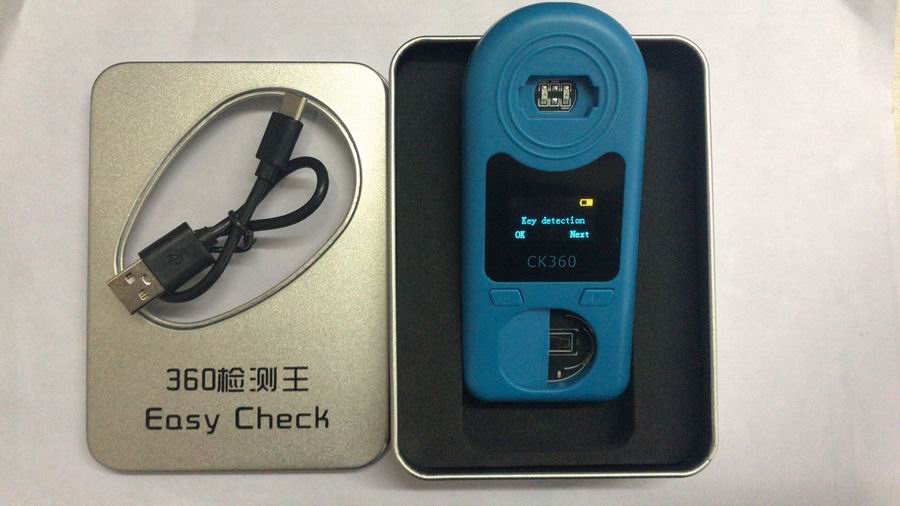
2019 New CK360 Easy Check Remote Control Remote Key Tester for Frequency 315Mhz-868Mhz & Key Chip & Battery 3 in one

2019 New CK360 Easy Check Remote Control Remote Key Tester for Frequency 315Mhz-868Mhz & Key Chip & Battery 3 in one

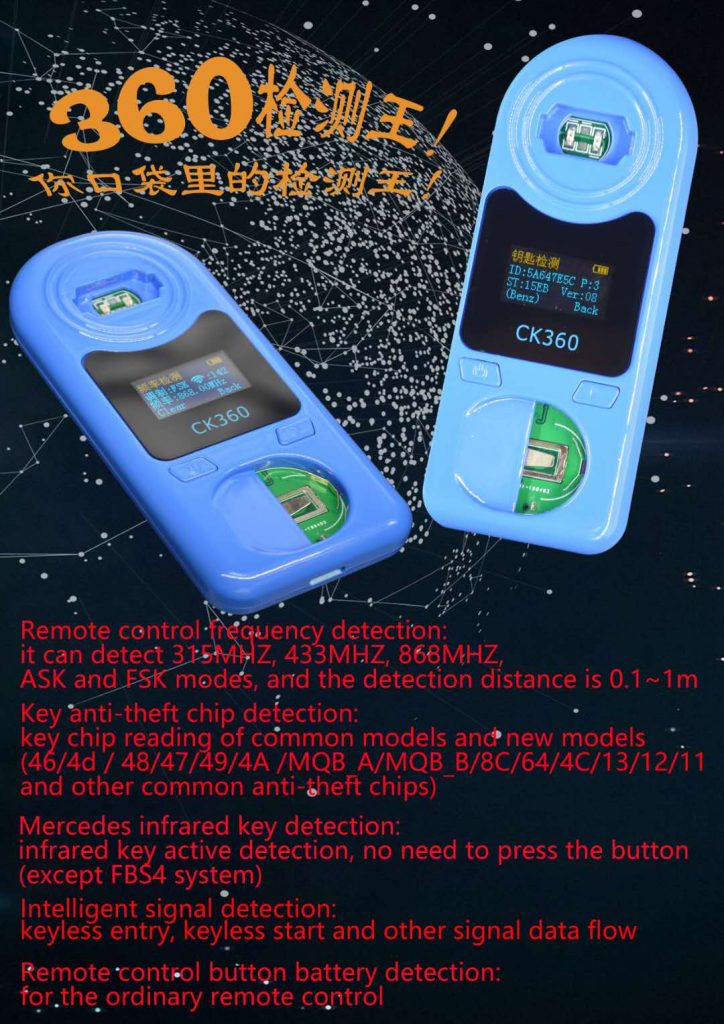
Highlights for CK360 Remote Tester:

1.Remote control -frequency detection:
Frequency: 315MHZ, 433MHZ, 868MHZ
Distance: 0.1~ 1m
Cover ASK and FSK models

2.Key anti-theft chip detection:
46/4d /48/ 47/ 49/ 4A/ MQB A/ MQB B/ 8C/ 64/ 4C/ 13/ 12/ 11 and other common anti-theft chips

3.Mercedes infrared key detection:
Infrared key active detection
No need to press the button (except FBS4 system)

4.Intelligent signal detection:
Keyless entry, keyless start and other signal data flow

5.Remote control button battery detection:
For the ordinary remote control

Contact information:

Phone Number: 86-13545069274

E-mail:Sales@EOBDII.fr

Skype:sales@eobdii.fr

Whatsapp: 86-13545069274