Xhorse Multi-Prog Update Is Stuck—What Should I Do?
 sales
Xhorse Multi-Prog Update Is Stuck—What Should I Do?
Today, we received a question from a customer:
“My Xhorse Multi-Prog is stuck during the update. What should I do?”
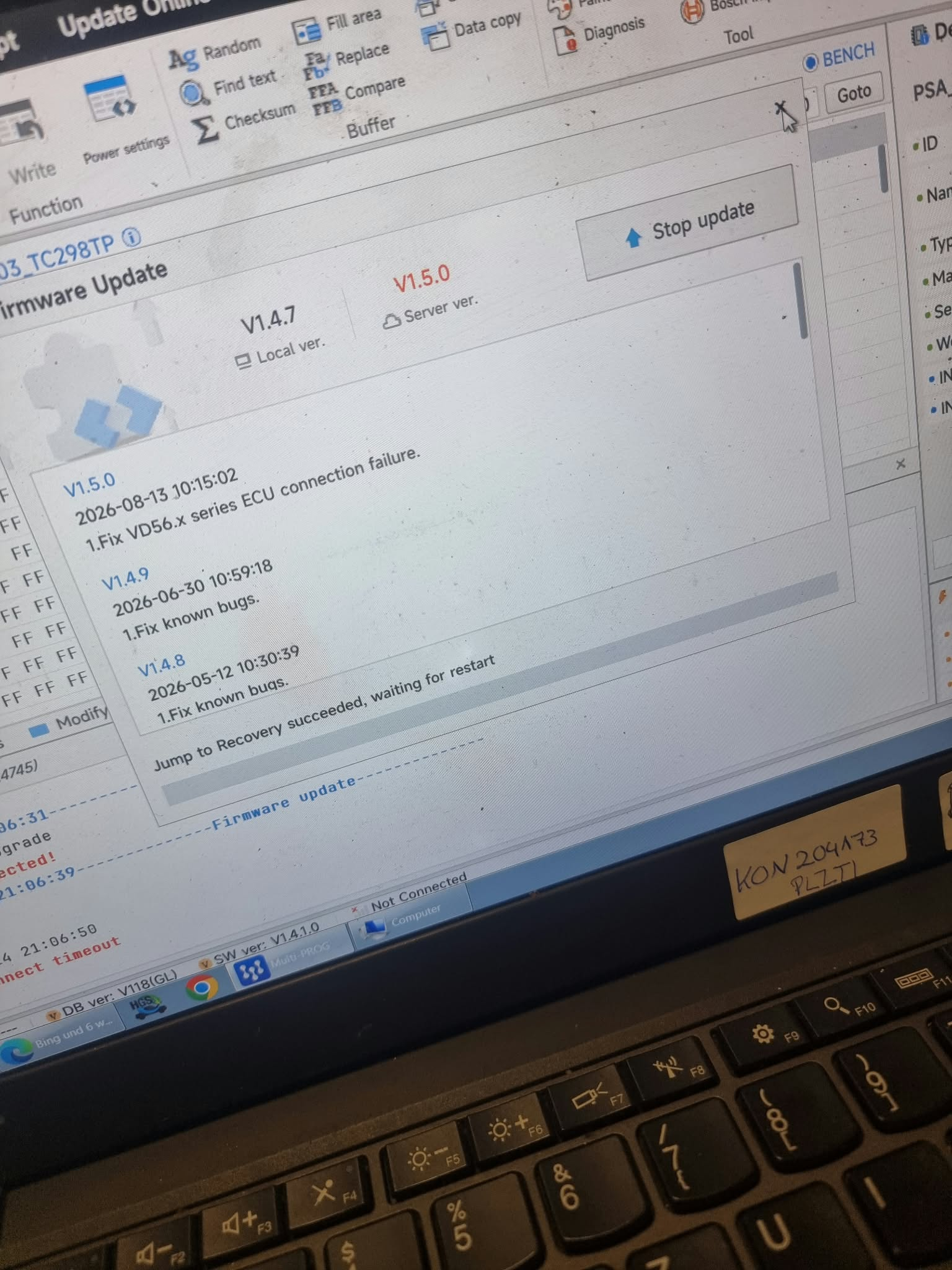
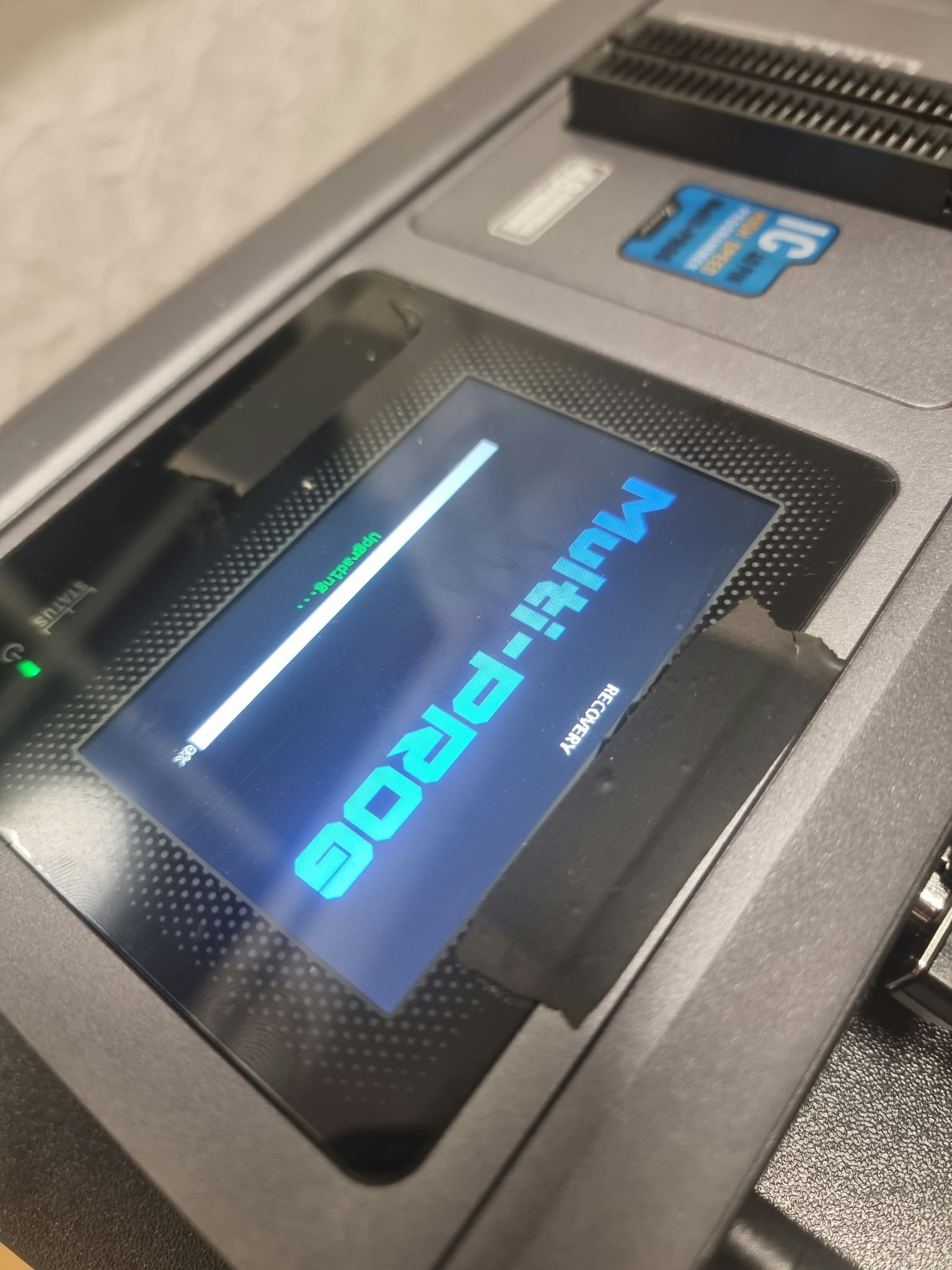
Solution: Force Multi-Prog to Enter Firmware Update Mode
If the normal update cannot continue, try restarting the device in forced firmware update mode.
Step 1: Close the Multi-Prog Software
Close the Multi-Prog software completely and disconnect the device if necessary.
Step 2: Press and Hold the RST Button
Locate the RST button on the Xhorse Multi-Prog.
Press and hold the RST button. While continuing to hold it, power on or reconnect the Multi-Prog.
Step 3: Keep Holding for About 5 Seconds
Continue holding the RST button for approximately five seconds.
The device should enter firmware update mode.
Step 4: Run the Firmware Update Again
Open the latest version of the Xhorse Multi-Prog software and retry the firmware update.
During the update:
- Use a stable USB connection.
- Keep the computer connected to a reliable power supply.
- Do not disconnect the Multi-Prog.
- Do not close the software until the update is complete.
Video Guide
Watch the following video to see how to force Xhorse Multi-Prog into firmware update mode:
What If It Is Still Stuck?
If Multi-Prog still cannot enter firmware update mode or the update fails again, please send us:
- A photo or video of the error
- The Multi-Prog serial number
- The current software version
- The firmware version, if visible
- Details of what happened before the update stopped
This information will help us identify the problem and provide the correct solution more quickly.
Do you have another question about Xhorse Multi-Prog or automotive programming tools? Please leave a comment below.

